12 Smart Functional Office Design Ideas That Look Good and Work Hard
A functional office puts the desk, the light and the storage in the right places, so the room looks calm and your body stays comfortable all day.

Never miss an update — choose FarmFoodFamily as your preferred source on Google.
How it works: Tap the button below to open Google's settings page, then check the box next to FarmFoodFamily.
Tap the checkbox to turn it blue — that's how you know it's set.
A functional office puts the desk, the light and the storage in the right places, so the room looks calm and your body stays comfortable all day.
Products We Recommend
This post contains affiliate links. We may earn a commission on qualifying purchases at no extra cost to you.

Nulaxy Ergonomic Adjustable Laptop Stand
A foldable, height-adjustable riser for 10 to 16 inch laptops, to lift the screen toward eye level. Pair it with an external keyboard and mouse.
Shop Now
Cable Management Box, Handmade Rattan, With Open Slots
A ventilated rattan box that hides a power strip and router. Plug the strip straight into the wall and keep the slots clear.
Shop Now
Low Pile Office Rug for Rolling Chairs, 5x7, Non-Slip
A 0.3 inch low-pile, rubber-backed rug that works under a rolling chair and softens an echoing room.
Shop NowA functional office design starts with the layout, not the decor. Put the desk where light helps and doesn’t glare, give storage a clear home, and keep cords and walkways safe. Then add style with paint, art and plants.
Each step builds on the one before it. But the order matters, so don’t buy a rug before you check the light.
The University of Illinois says to position the monitor at a right angle to windows to reduce glare. It also says keyboard height should be between 23 and 28 inches, and the screen should sit an arm’s length away.
Plan zones for work, paper and calls. Then layer light and tidy the cords. These 12 ideas show how to build a home office that looks good and works hard, whether you have a spare room or a closet, and each one has simple steps and a styling tip.
What Makes an Office Truly Functional?
A functional office makes the work easier. You can reach what you need, you can see your screen clearly, and you can sit for hours without pain. Style comes second, but it still matters.
The University of Illinois Facilities and Services office ergonomics guide sets a few clear targets. They’re a useful starting point for any desk, at home or at work.
| Part | Target | Why it matters |
|---|---|---|
| Monitor | Top line at eye level or below, an arm’s length away, directly in front | Prevents neck strain |
| Work surface depth | At least 30 inches, depending on the monitor size | Lets the monitor sit directly in front of you |
| Keyboard height | 23 to 28 inches, about elbow height | Keeps forearms parallel to the floor |
| Chair | Feet flat, thighs parallel to the floor, good lower back support | Keeps weight off the spine |
| Breaks | Stretch at least once per hour | Eases stiffness |
The University of Iowa’s home ergonomics page adds the 20-20-20 rule. Every 20 minutes, look 20 feet away for 20 seconds. If you only have a laptop, it advises tilting the screen back and using an external keyboard and mouse.

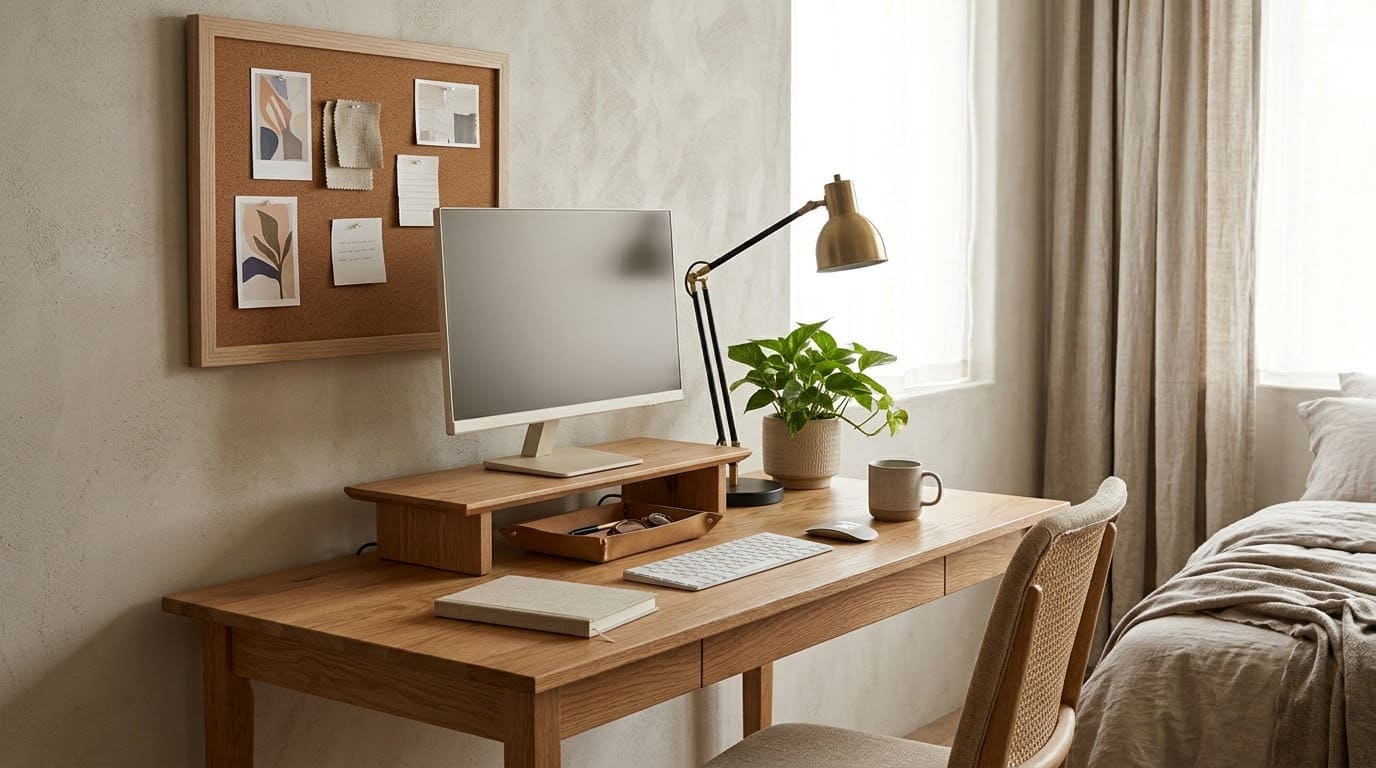
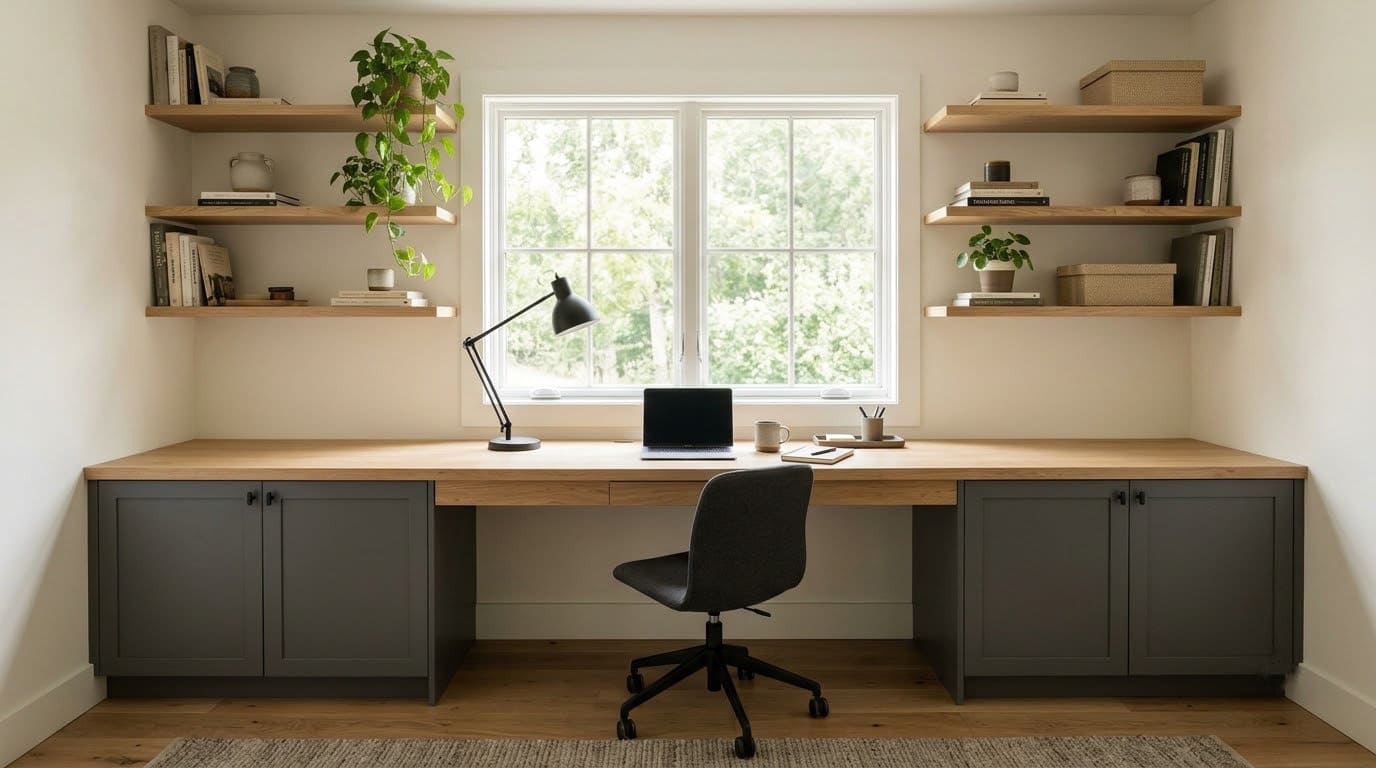
Take a tape measure to your desk before you buy anything. Most layout problems show up in the first five minutes.
How Should You Plan the Layout?
Think about three things: light, workflow and walkways. Where does daylight land? What do you reach for most?
And can you walk around the desk without bumping into anything?
Start with a sketch. Mark the window, the door, the outlets and any built-in storage. Then try two or three desk positions with painter’s tape on the floor.
Keep at least 36 inches of clear floor behind the chair, so you can stand up and move. That’s our own comfort rule, not a code number.
Zone the room by task. Put the computer in one spot, paper work in another and a relaxed chair in a third.
1. Desk at a Right Angle to the Window
Daylight is good for mood, but glare on a screen is not. The University of Illinois guide says the monitor should sit at a right angle to windows, to reduce glare and eye strain. It also says windows should have blinds or another way to control incoming light.
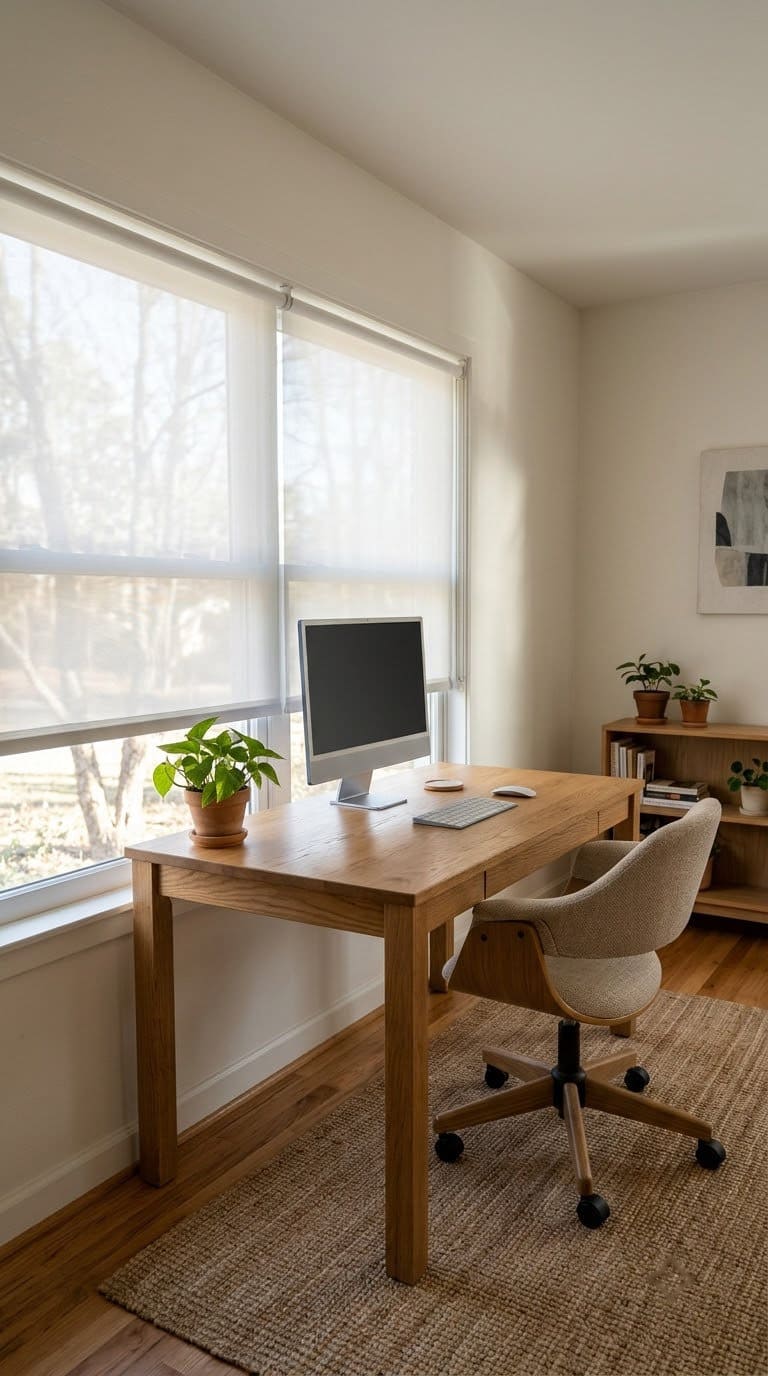
Designers don’t all agree on this one. Ana Coddington, lead interior designer at Archival Designs, suggests placing the desk in front of a window for daylight, with storage on the wall behind you. In Bob Vila’s layout guide, she says natural light has been shown to boost mood, improve focus and even help productivity.
A foldable, height-adjustable riser for 10 to 16 inch laptops, to lift the screen toward eye level. Pair it with an external keyboard and mouse.
Shop NowThis post contains affiliate links. We may earn a commission on qualifying purchases at no extra cost to you.
| Option | Pros | Cons | Our pick |
|---|---|---|---|
| Desk facing the window | Great view and daylight | Bright glare on the screen, backlit on calls | Use sheer shades |
| Desk at a right angle to the window | Less screen glare, still gets daylight | Needs a side wall | Best for computer work |
| Desk with the window behind you | Bright wall in front of you | Glare on the screen | Avoid for a monitor |
- Place the desk so the window is to your left or right.
- Hang sheer shades or blinds you can adjust.
- Wipe the screen, and check for reflections with the screen off.
- Add a lamp on the far side for evening.
Style tip: a pale linen shade softens the light and looks calm.
2. L-Shaped Desk With Two Zones
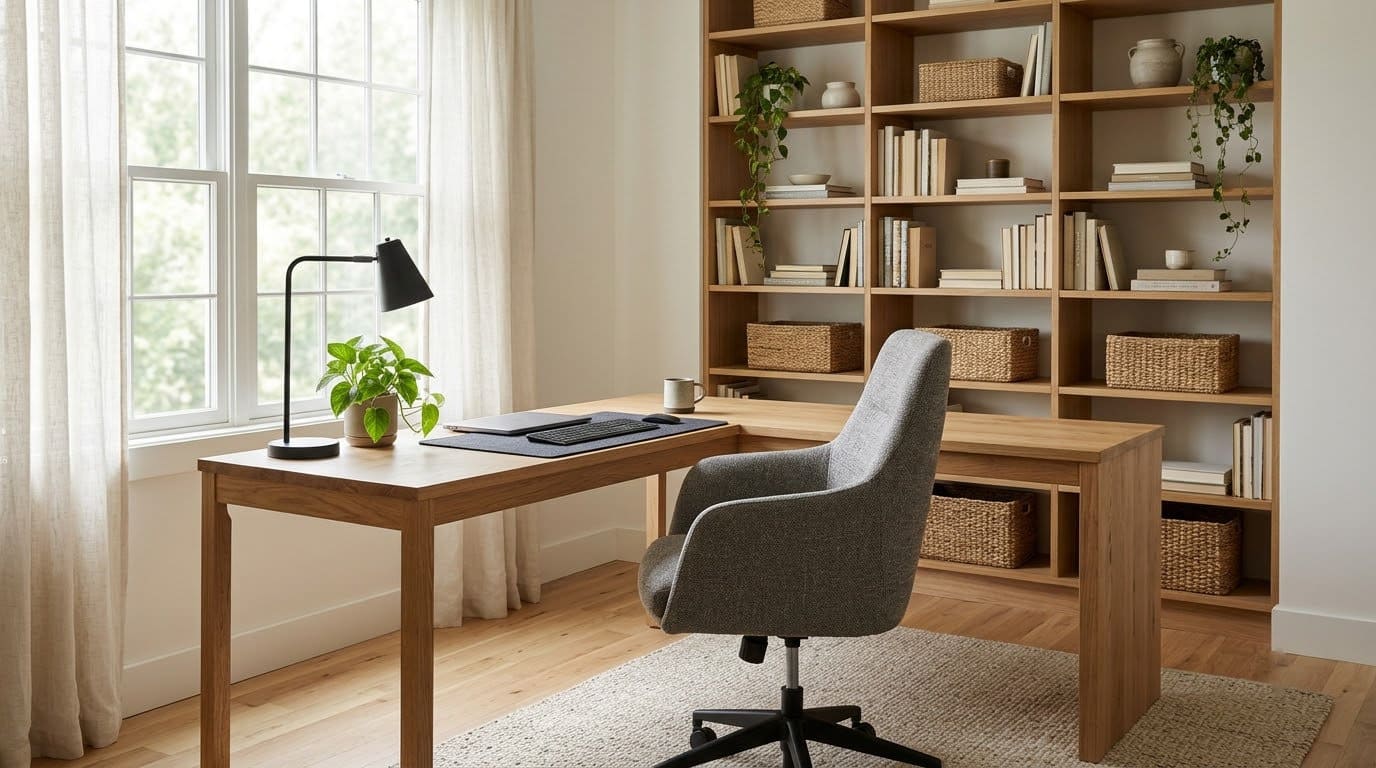
An L-shaped desk gives you two zones in one corner. Use one side for the computer and one for paperwork. Coddington suggests this layout with vertical storage above both sections.
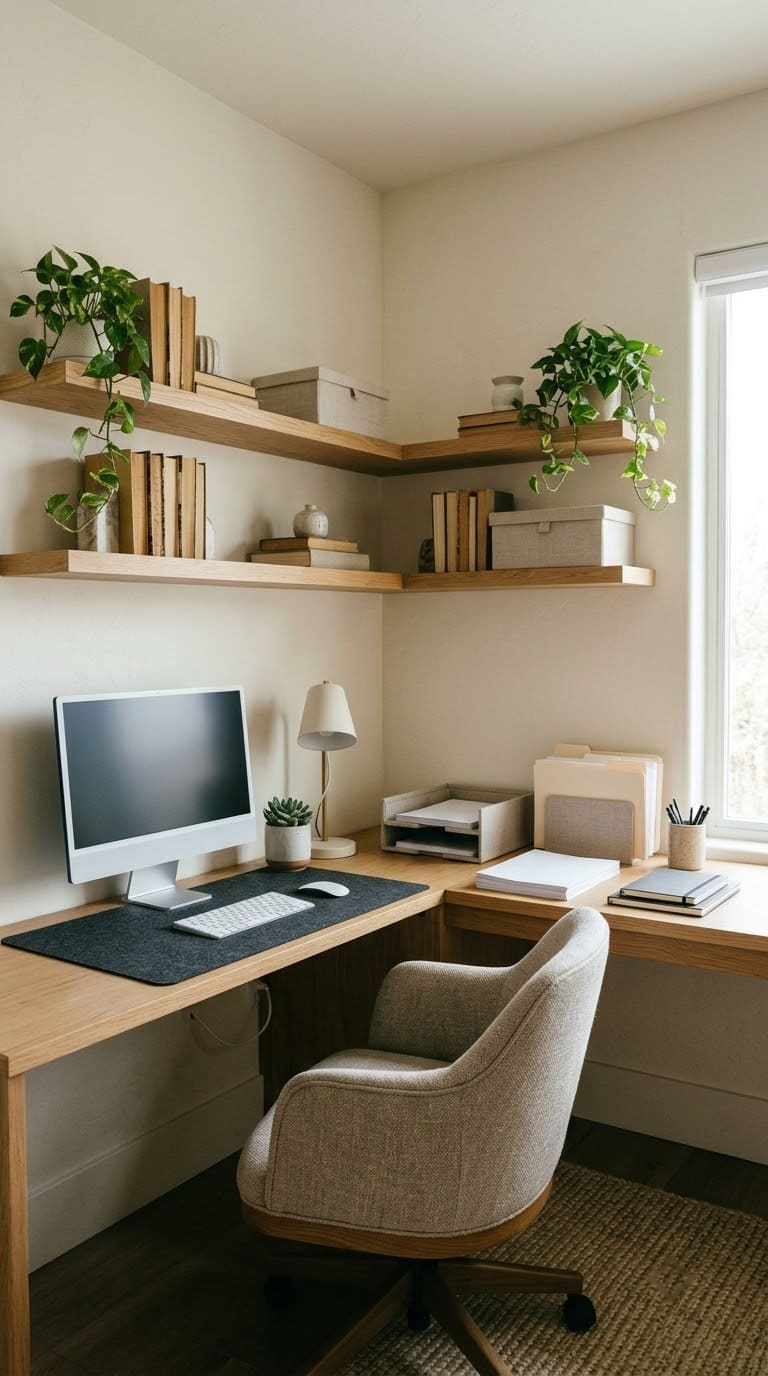
- Put the computer on the side that gives you at least 30 inches of depth.
- Keep the other side clear for paper and writing.
- Mount shelves above, starting at about 15 inches over the desk top.
- Place the chair at the inside corner so you can reach both zones.
Style tip: paint the corner wall a deep color to make the desk look built in. See our paint colors for the home office.
Budget: medium. L-shaped desks cost more than straight ones.
3. Galley Office for a Narrow Room
A galley office suits a long, narrow room. A slim desk runs along one wall, and storage sits above it. the Bob Vila guide suggests a bulletin board or whiteboard on the opposite wall.
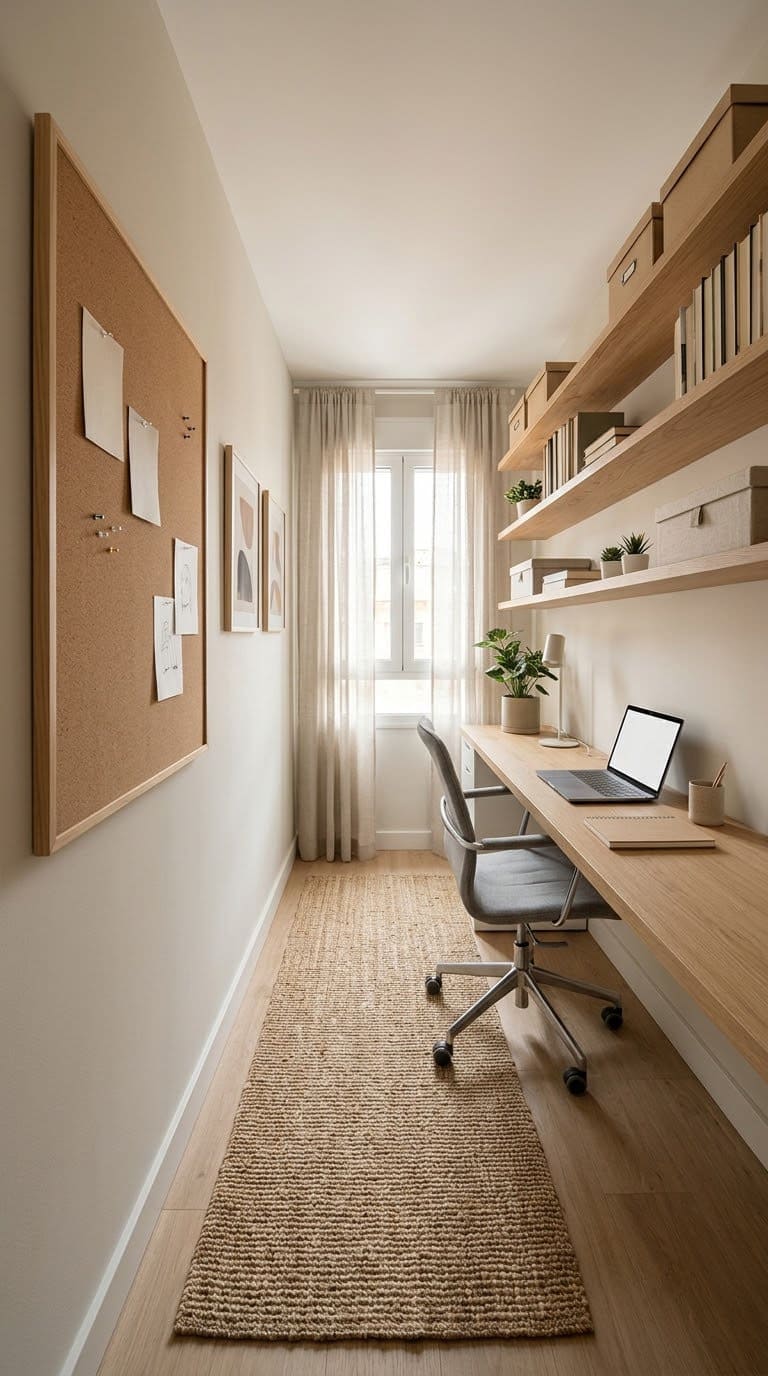
- Choose a desk about 24 inches deep if the room is very narrow, and check the monitor distance.
- Mount shelves or a rail above the desk.
- Hang a cork board or whiteboard on the opposite wall.
- Keep a clear lane of at least 36 inches behind the chair.
Style tip: use one color for the shelves and the walls, to make the room look wider.
More: our guide to home office furniture for small spaces has compact desks.
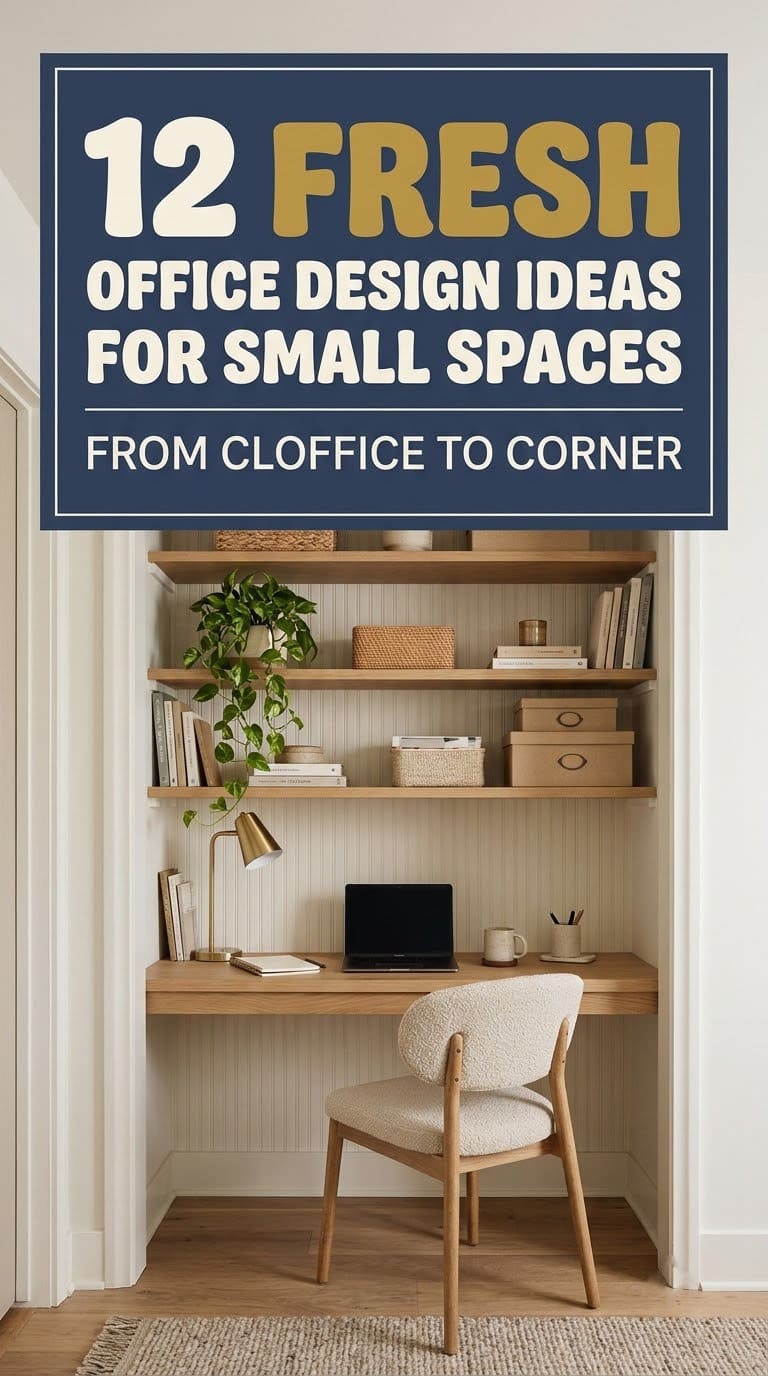
4. Closet Office, or Cloffice
An unused closet or alcove becomes a tidy office. Mount a wall desk or a floating shelf, add task lighting and shelves above. When you’re done, close the doors and the work disappears.
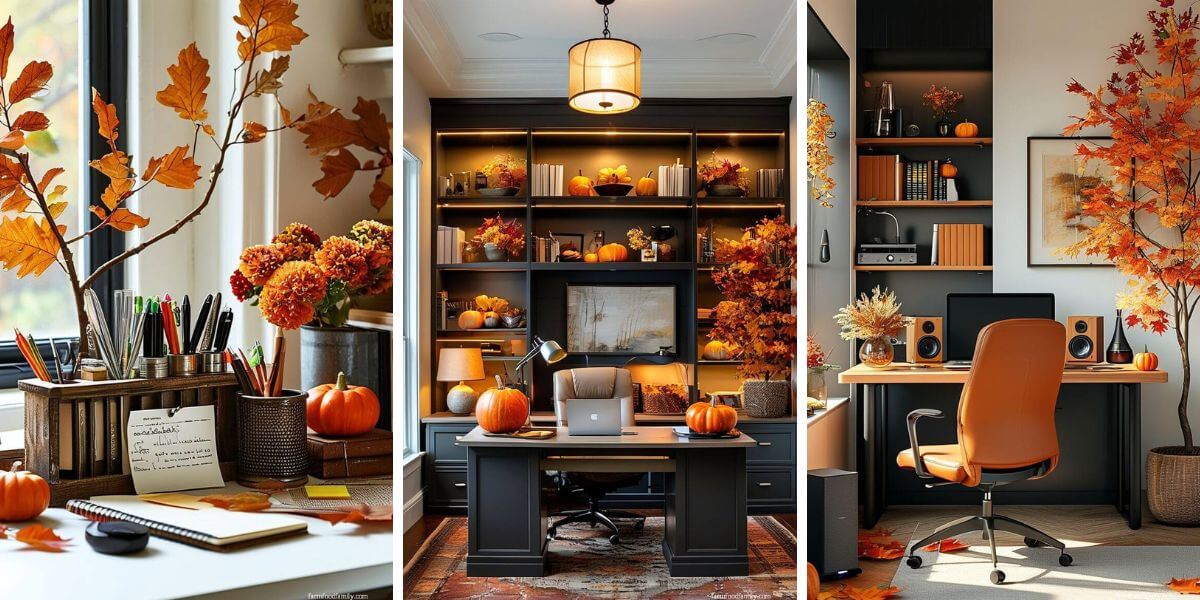


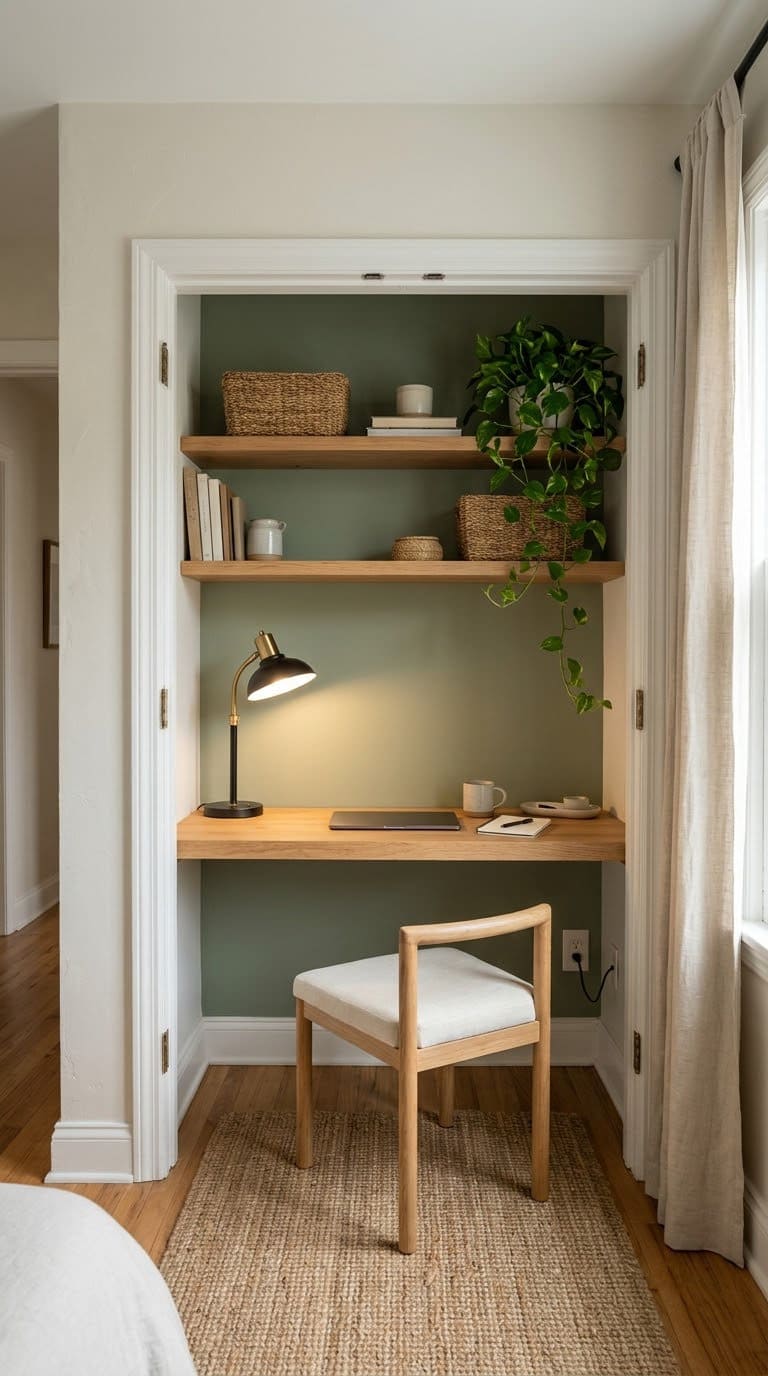
- Empty the closet and remove the rod and shelves.
- Paint the inside a bright color, so the nook feels intentional.
- Mount a shelf desk at a comfortable height, and add an outlet if you can.
- Add a small light and a few shelves above.
Style tip: wallpaper the back wall for a surprise when the doors open.
Safety: have an electrician add an outlet. A closet with a power strip and no airflow is a bad idea. Our small home office ideas have more nook layouts.
5. Bookshelf Room Divider
A double-sided bookshelf splits an open room into zones. It gives you a work nook without building a wall. It also holds books, baskets and decor.
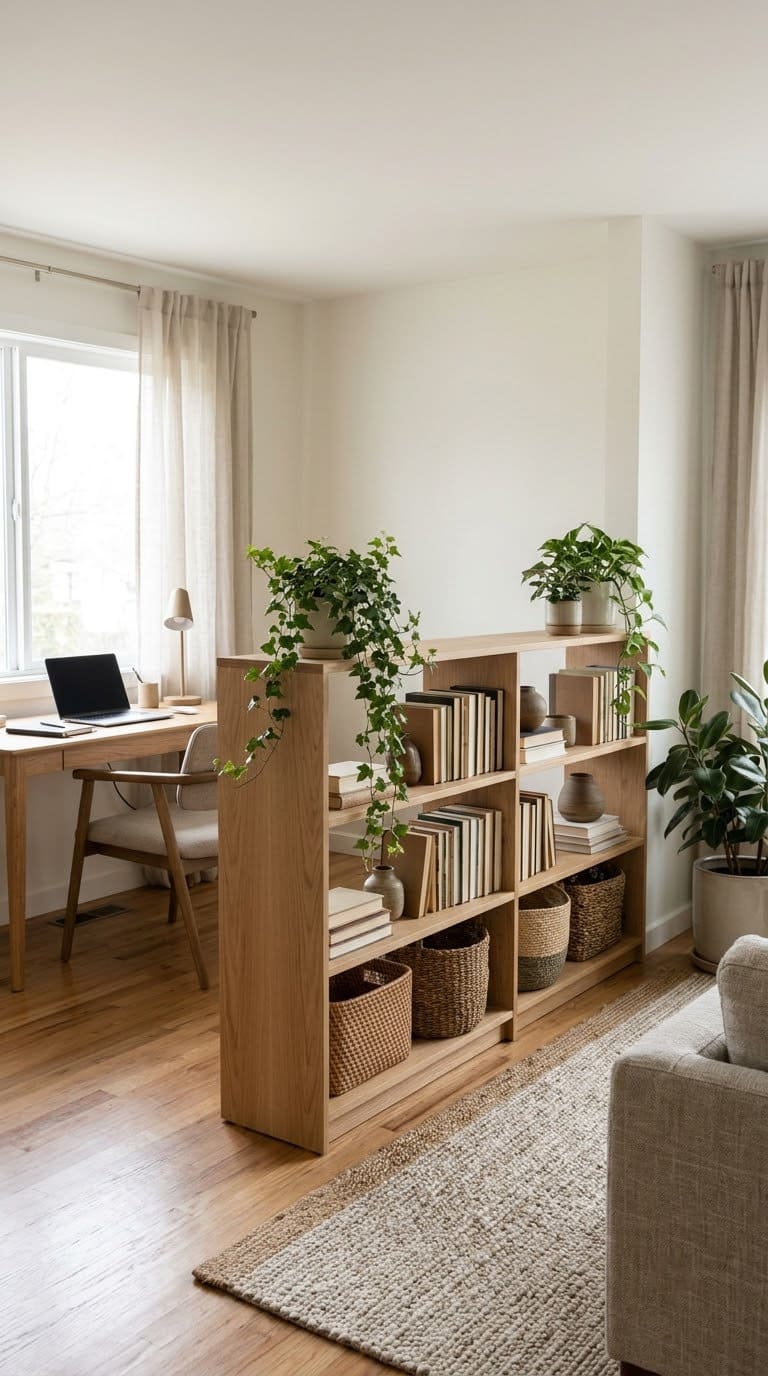
- Place the bookshelf at the edge of the work zone.
- Choose one at least 30 inches high, so it divides the view but not the light.
- Anchor the bookshelf to the floor or a wall.
- Fill it with books, baskets and a plant or two.
Style tip: leave some shelves open to let light through.
More: see our office shelving ideas for more styles.
6. Command Position Desk
In the command position, the desk faces the door, with a wall behind you. It makes the room feel calm and in control. the Bob Vila guide lists it as the captain’s chair layout, with storage or bookshelves behind you as a backdrop.
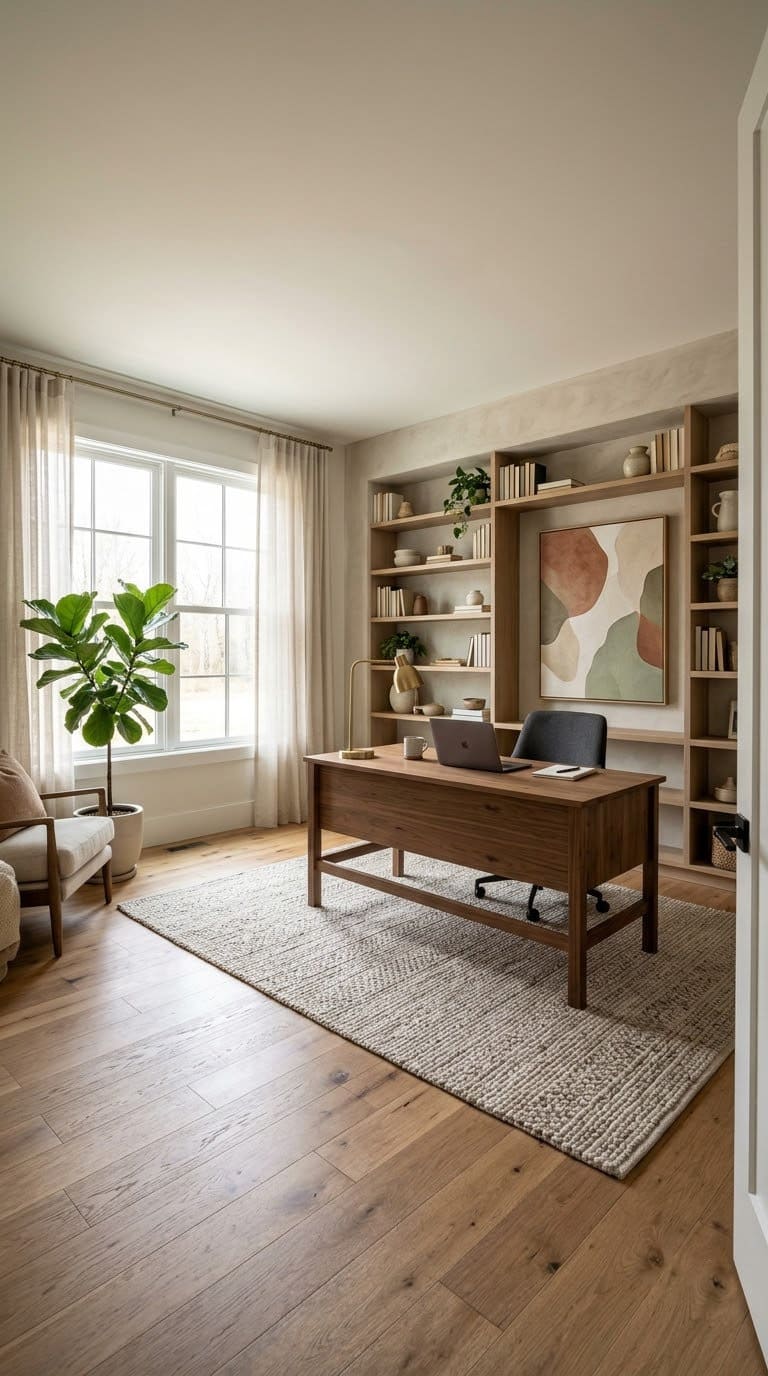
- Place the desk across the room from the door.
- Keep the wall behind you tidy, with shelves or art.
- Leave an open lane from the door to the desk.
- Check that the window isn’t behind your screen.
Style tip: hang a large piece of art behind you for a strong backdrop on calls.
7. Video Call Backdrop Wall
If you take calls, a good backdrop matters. A clean wall with a plant, a shelf or a piece of art looks neat on camera. The Bob Vila guide suggests a wall behind you as a call background, plus a small round table or seating for meetings.
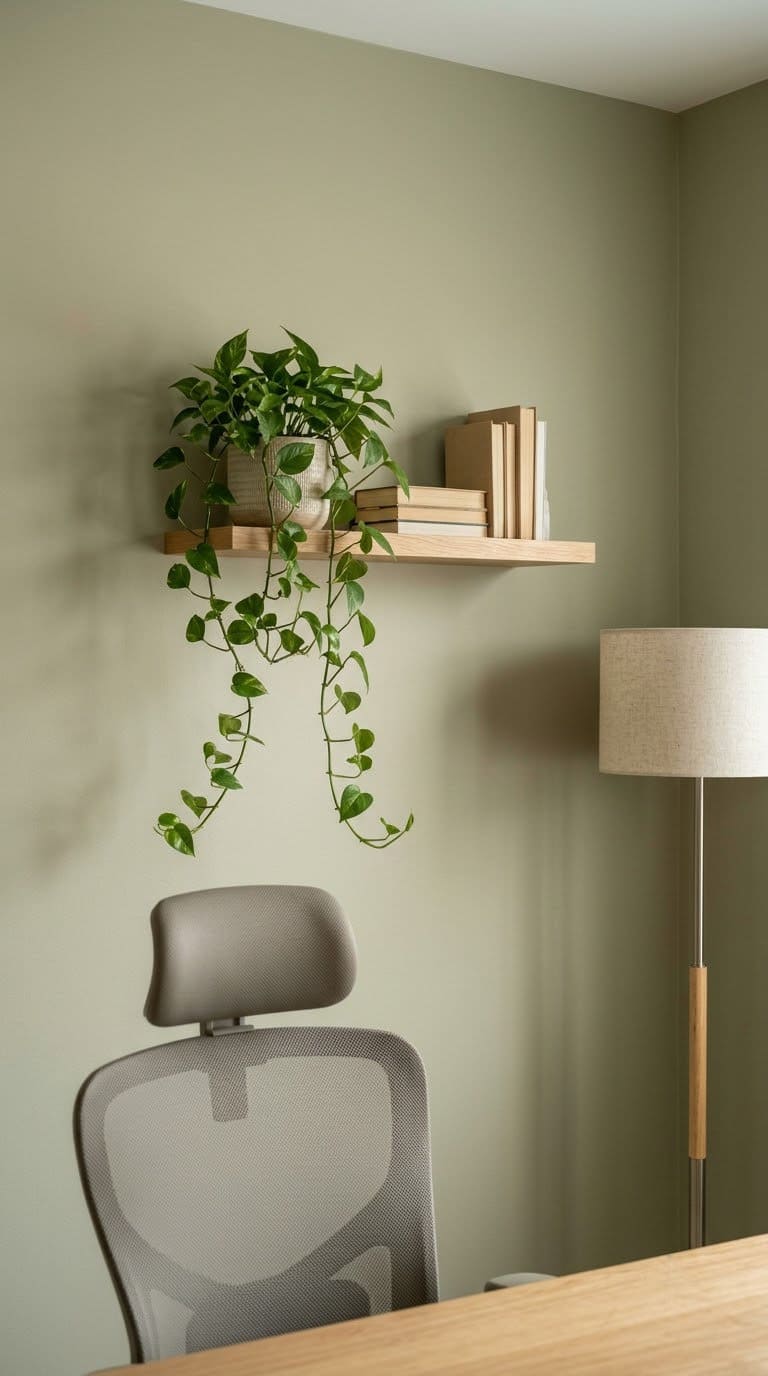
- Choose the wall your camera sees, and clear it.
- Add one shelf with two or three items.
- Put a lamp or a plant to one side, not in the center.
- Test the view with your camera and move things until it looks calm.
Style tip: a matte wall color looks better on camera than a glossy one.
More: see our how to decorate office space guide.
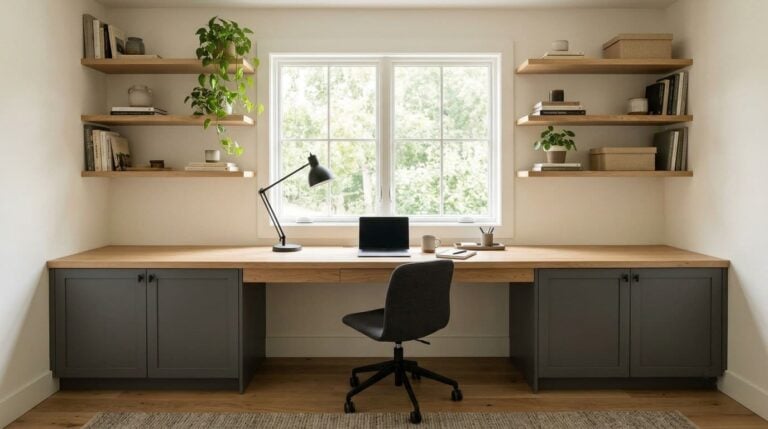
8. Built-In Desk Wall
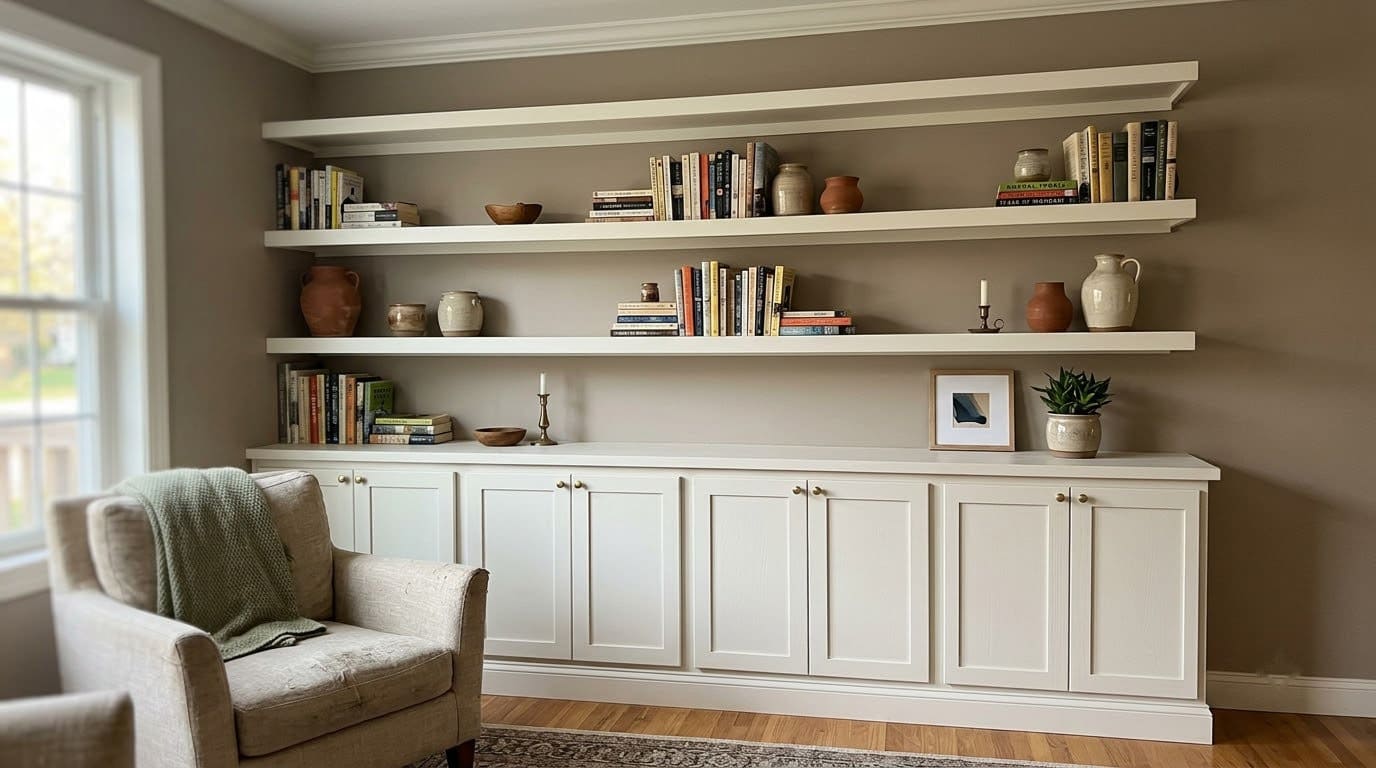
A built-in wall desk uses vertical space and keeps the floor open. Cabinets go below and shelves above. It looks custom, and it hides the mess behind doors.
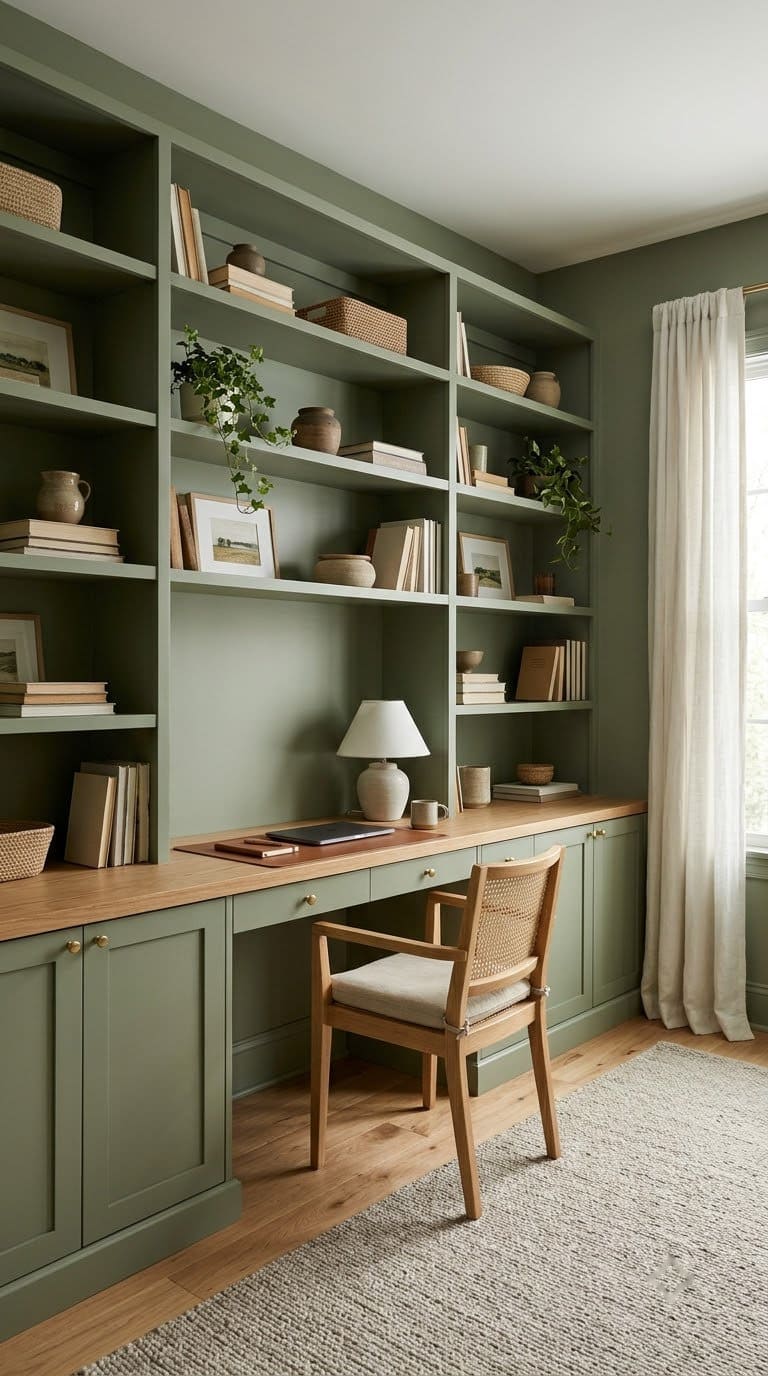
- Measure the wall and sketch the desk, cabinets and shelves.
- Keep the desk at least 30 inches deep, with room for your knees.
- Add closed cabinets below and open shelves above.
- Drill a cord hole in the back of the desk for cables.
Style tip: paint the built-ins the same color as the wall, so they blend in.
Budget: high if custom, medium with ready-made units. See our custom home office ideas.
9. Layered Lighting
Good light comes from layers. The Illinois guide says to use task lighting when you need more light at your workspace, and notes that indirect lighting is best. The University of Iowa adds that overhead light should be bright.
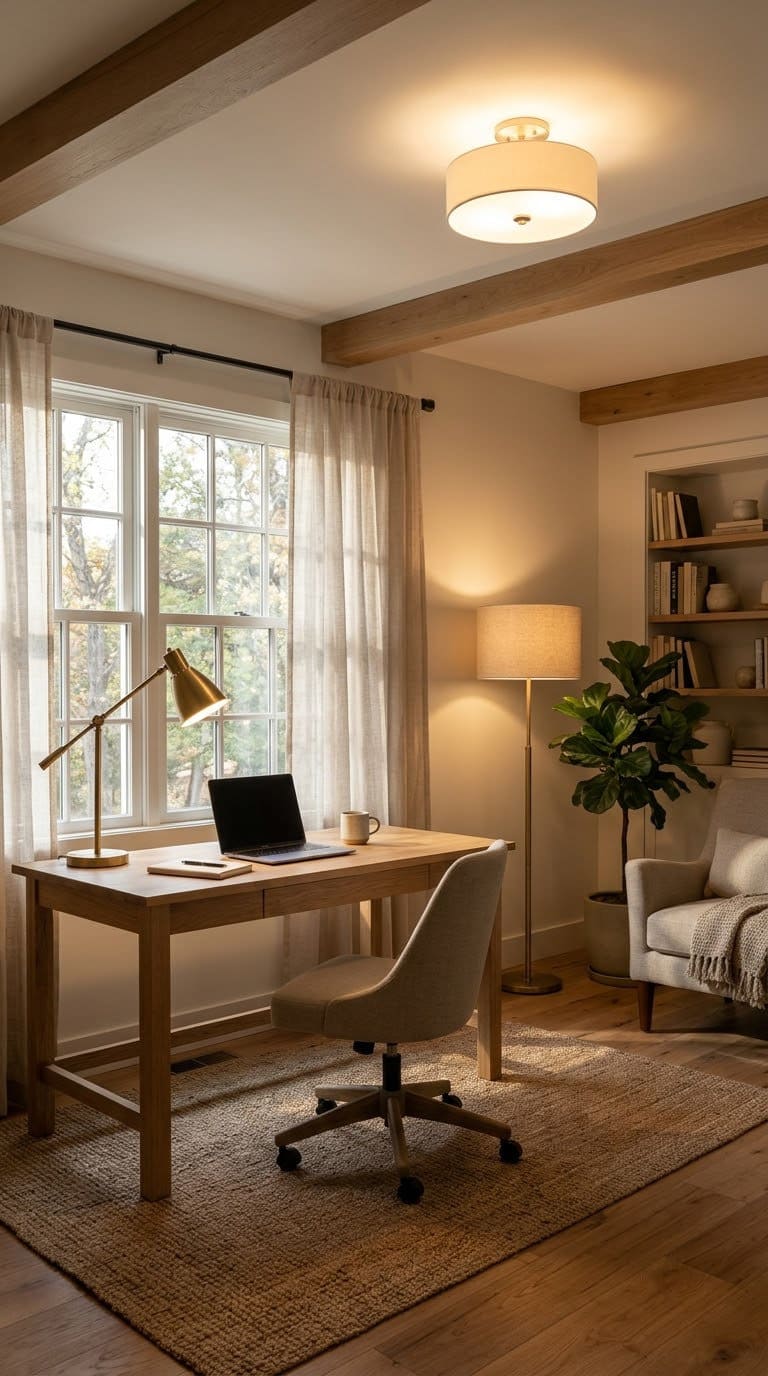
- Start with bright, even overhead light.
- Add a task lamp on the side opposite your writing hand.
- Add a soft floor or wall light for evening.
- Keep the screen away from other light sources, as Iowa advises.
Style tip: a brass or black arm on the lamp adds a design touch.
Safety: check the bulb wattage label on every lamp.
10. Cable and Power Station
A neat desk needs a plan for cords. Bundle them, run them behind the desk and plug them into one certified power strip. It looks clean and keeps the work area safe.
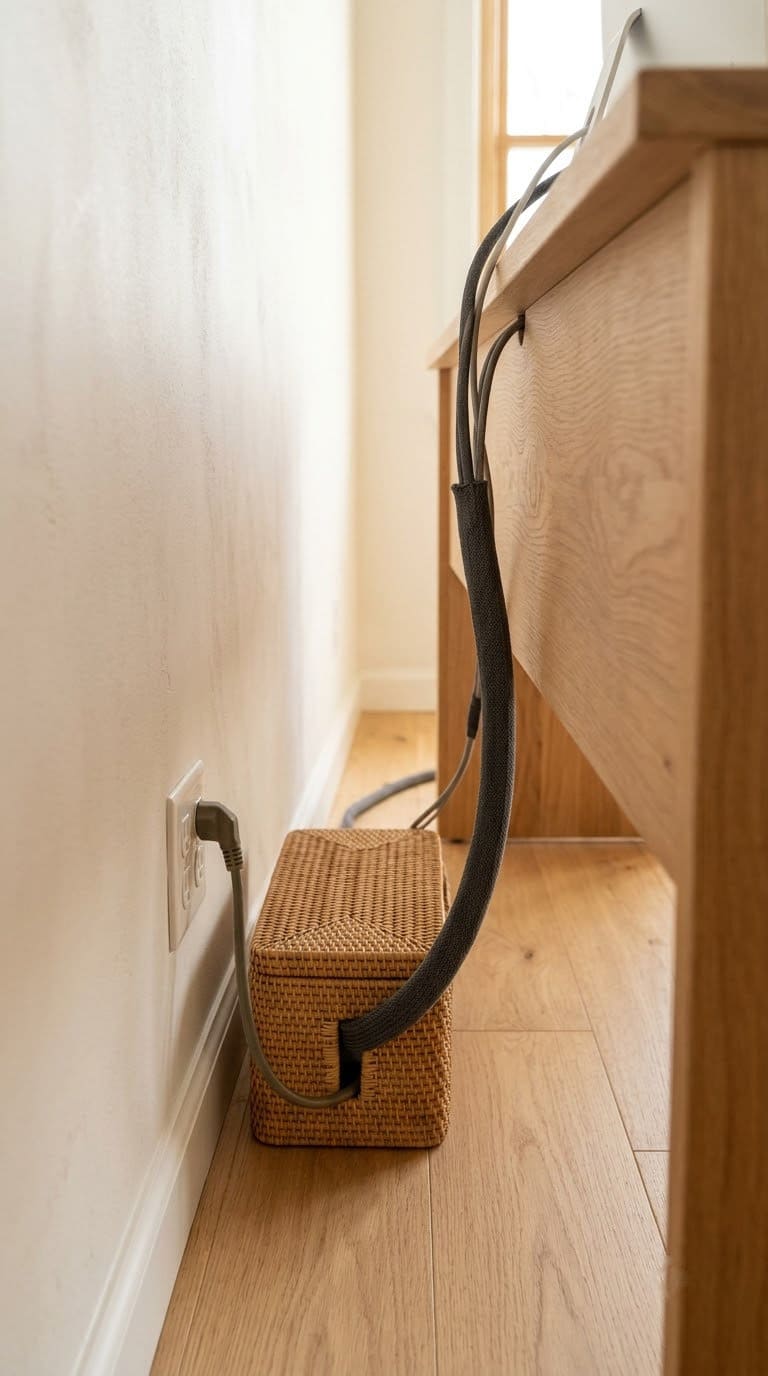
The CPSC’s power strip tips include looking for a certification label from an independent lab such as UL. They say never to cover any part of an extension cord with rugs or other objects while it’s in use. They also say not to overload cords with too many appliances.
- Plug the strip into a wall outlet, not another strip.
- Group cords with ties or a cable sleeve.
- Keep cords from dangling off the desk, where they can be pulled or tripped over.
- Replace any cracked or worn cord, and stop using a cord that feels hot.
Style tip: a wood cable box or a woven basket hides the strip.
11. Soft Surfaces for Calm Sound
A hard, bare room echoes. That makes calls harder and focus tougher. Soft surfaces absorb sound and make the room feel cozy.
This is general design advice, not a measured result.
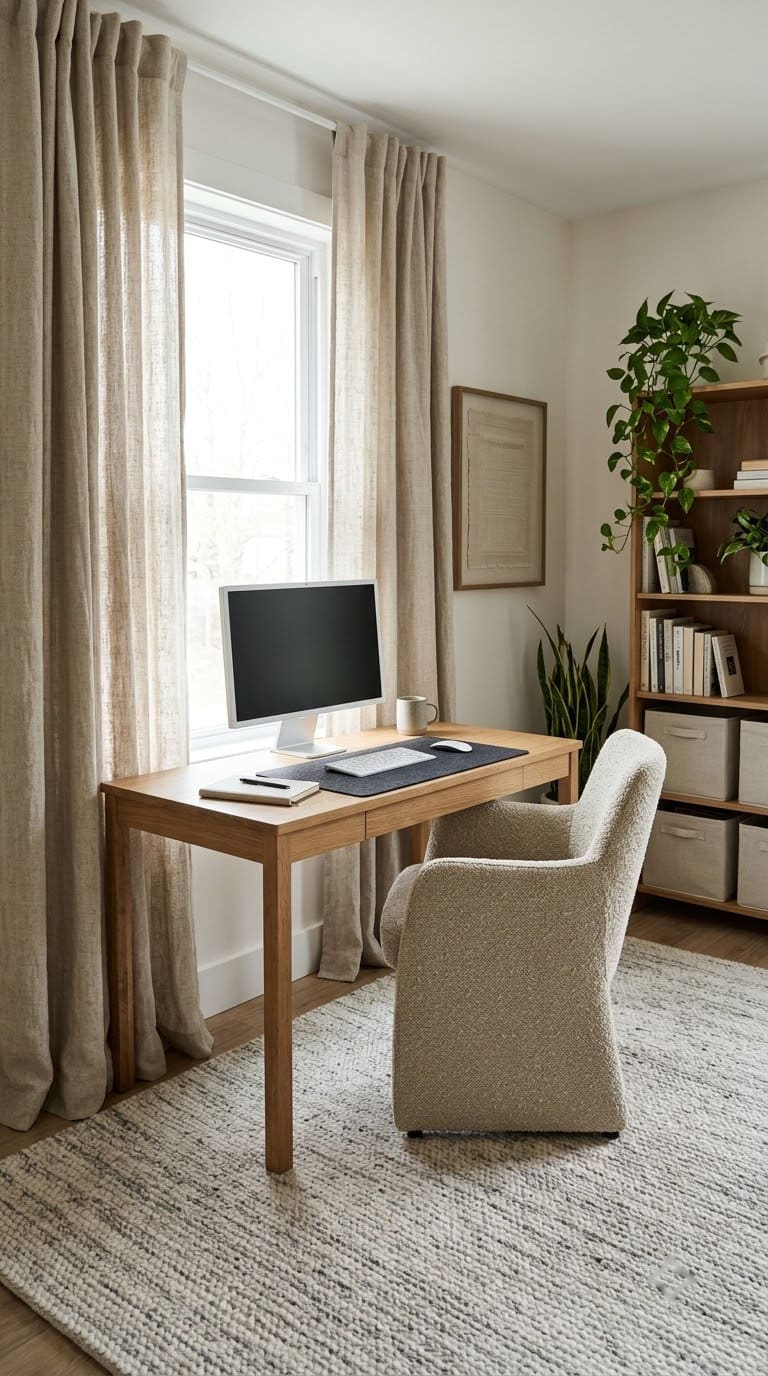
- Lay a rug under the desk and chair. Choose low pile so the chair rolls.
- Hang thick curtains at the window.
- Add an upholstered chair or a fabric pin board.
- Fill a bookshelf with books, which also break up sound.
Style tip: pick one fabric texture, such as linen or wool, and repeat it.
More: our guide to office furnishings and productivity covers the furniture side.
12. Plants and a Movement Corner
A small plant and a corner for stretching make the room friendlier. The Illinois guide says to stretch at least once per hour, and the Iowa page suggests standing and moving more often. A clear spot makes it easy.
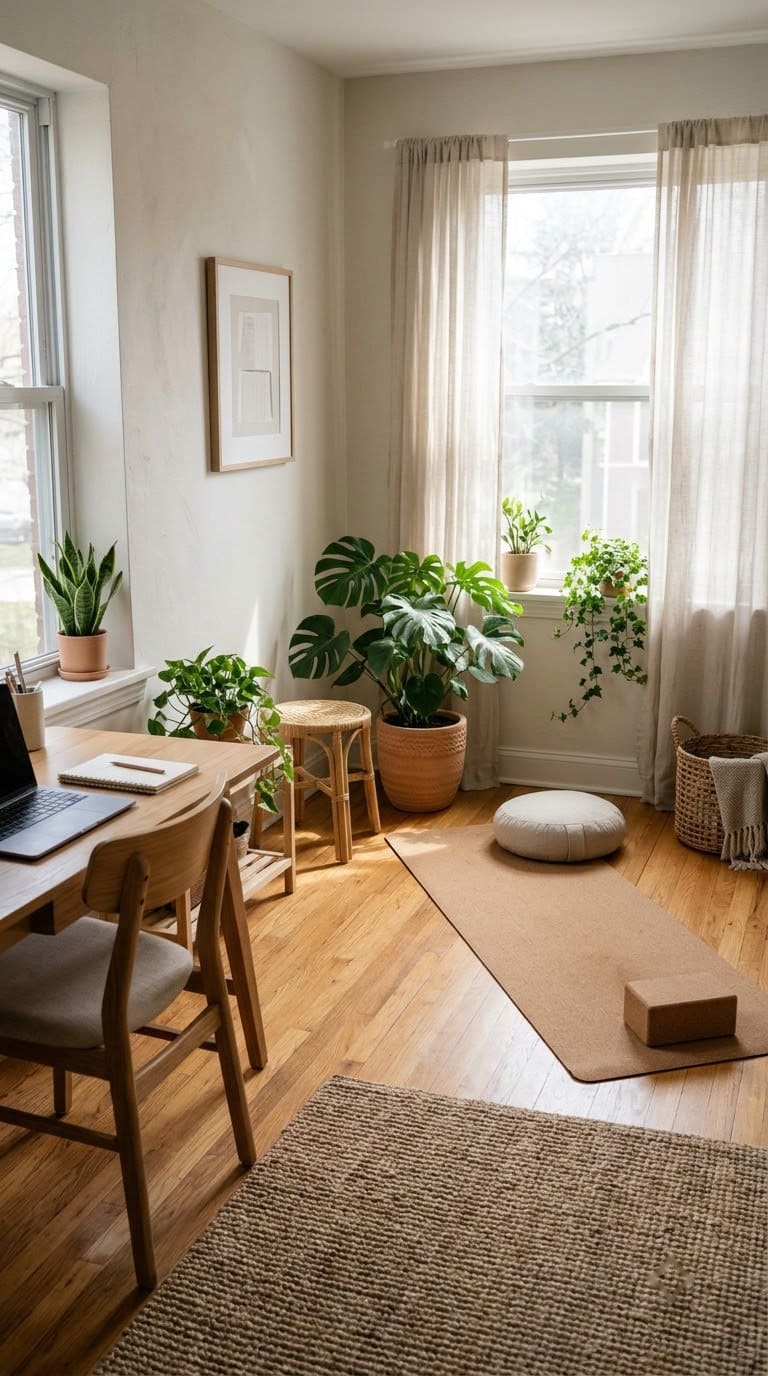
- Pick a corner with about a yoga mat of open floor.
- Add a plant in a pot with a saucer.
- Keep a small stool or a foam roller nearby.
- Set a gentle reminder every hour.
Style tip: a tall floor plant fills an empty corner. See our guides on plants in modern offices and low-maintenance houseplants for the office.
Quick Comparison: Which Layout Fits Your Room?
Here’s how the 12 ideas compare. Use it to pick by room size and budget.
| Idea | Best room | Cost | Effort |
|---|---|---|---|
| Desk at a right angle | Any with a window | Low | Low |
| L-shaped desk | Corner | Medium | Medium |
| Galley office | Narrow room | Low | Medium |
| Cloffice | Closet | Medium | Medium |
| Bookshelf divider | Open plan | Medium | Low |
| Command position | Spare room | Low | Low |
| Call backdrop | Any | Low | Low |
| Built-in desk | Large wall | High | High |
| Layered lighting | Any | Medium | Low |
| Cable station | Any | Low | Low |
| Soft surfaces | Echo rooms | Low | Low |
| Plants and movement | Any | Low | Low |
For a refreshed small space, also see our bedroom office ideas.
How Do You Style a Functional Office?
Style is the last layer. Once the desk, light and cords are right, add decor. Pick two or three colors, and repeat them in the art, the pillow and the plant.
Keep surfaces mostly clear. A tray, a lamp and one or two pieces of decor are enough. Hang art and calendars on the wall, not on the desk.
If the room feels cold, add warm wood, a soft rug and a plant. If it feels busy, remove something. When in doubt, take one item away.
Common Mistakes to Avoid
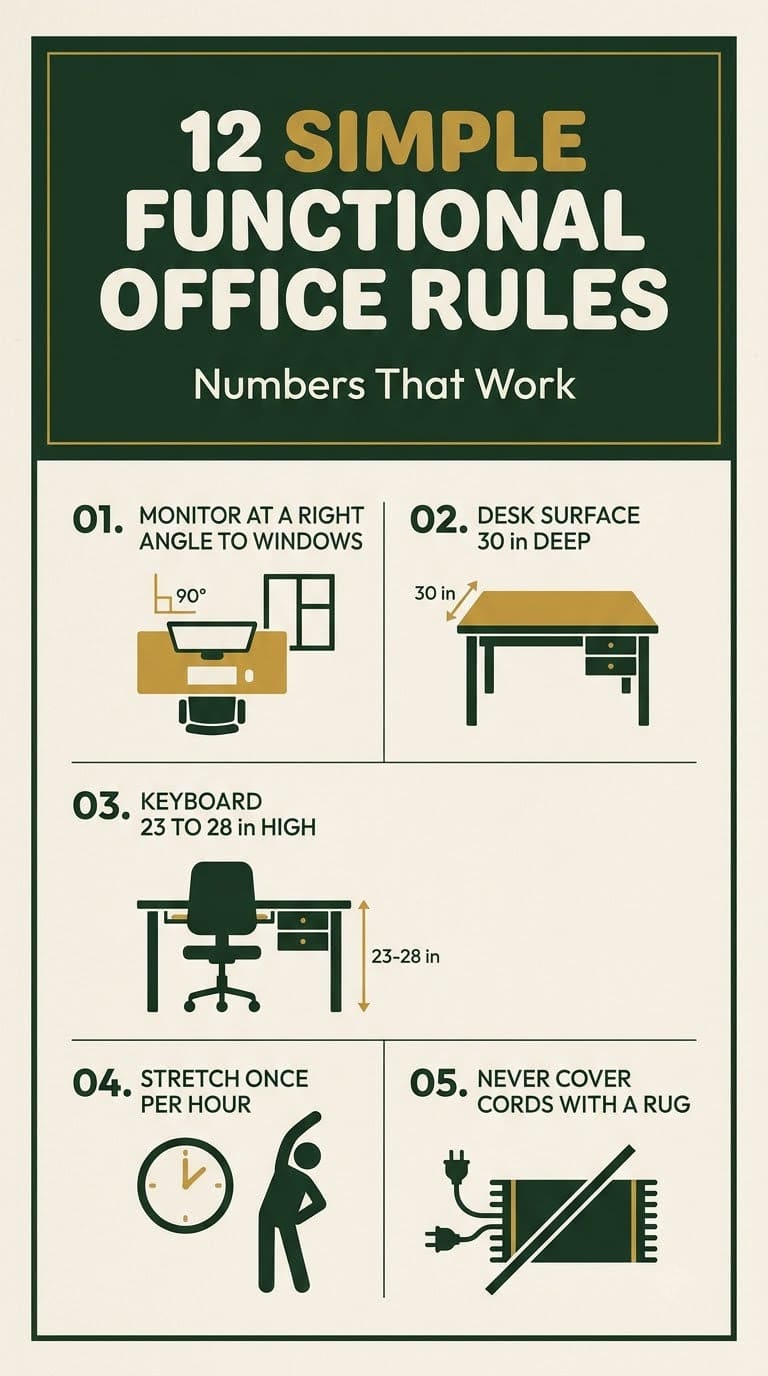
Putting the screen in front of a bright window. The University of Illinois says to position the monitor at a right angle to windows. Use shades for the rest.
Using a desk that is too shallow. A screen needs depth. The Illinois guide says the work surface should be at least 30 inches deep, depending on the monitor.
Covering a cord with a rug. The CPSC says never to cover any part of an extension cord while it’s in use.
Sitting for hours without a break. The Illinois guide says to stretch at least once per hour, and Iowa suggests the 20-20-20 rule.
Hiding the power strip with no airflow. Keep the strip in the open, and check that it never feels hot.
A One-Weekend Office Refresh
You can refresh an office in a weekend. Here’s the order we’d follow.
Friday evening: Sketch the room, mark the window, door and outlets. Test two desk positions with tape.
Saturday morning: Move the desk and set the monitor, chair and keyboard using the table above. Hang the blinds or shades.
Saturday afternoon: Add the shelves and the cork board. Set up the lamp and sort the cords.
Sunday: Add the rug, a plant and one piece of art. Check every cord, and take a short walk around the room.
FAQ
How do I design a functional home office?
Start with the layout. Place the desk to avoid glare, give storage a home and keep walkways clear. Then add light, cords and decor.
Where should I put my desk in relation to a window?
The University of Illinois says to place the monitor at a right angle to windows to reduce glare. Use blinds to control light.
How deep should my desk be?
At least 30 inches, depending on your monitor size, according to the University of Illinois guide.
How do I make a small office feel bigger?
Use a slim desk, mount shelves above it and keep the colors light. A galley layout works well in a narrow room.
How often should I take breaks?
Stretch at least once per hour. The University of Iowa also suggests looking 20 feet away every 20 minutes for 20 seconds.
Related Posts
Never miss an update — choose FarmFoodFamily as your preferred source on Google.
How it works: Tap the button below to open Google's settings page, then check the box next to FarmFoodFamily.
Tap the checkbox to turn it blue — that's how you know it's set.