Home Office Feng Shui: What Actually Improves Focus, According to Real Ergonomics Science
Feng shui treats your home office as the physical seat of your career energy, and a couple of the rules it recommends turn out to be the exact same setup ergonomics researchers have been telling office workers to use for decades, for different reasons that land on the same fix.

Never miss an update — choose FarmFoodFamily as your preferred source on Google.
How it works: Tap the button below to open Google’s settings page, then check the box next to FarmFoodFamily.
Tap the checkbox to turn it blue — that’s how you know it’s set.
Suzanne Roynon, a Feng Shui and interior therapy expert, treats desk placement, chair choice, and what’s directly overhead as the three highest-leverage decisions in a home office, more consequential to focus and career momentum than paint color or decor.
Here are the six rules that matter most, paired with the real ergonomic and eye-strain science that backs several of them up beyond symbolism.
1. Sit in the commanding position, with the real monitor setup to match
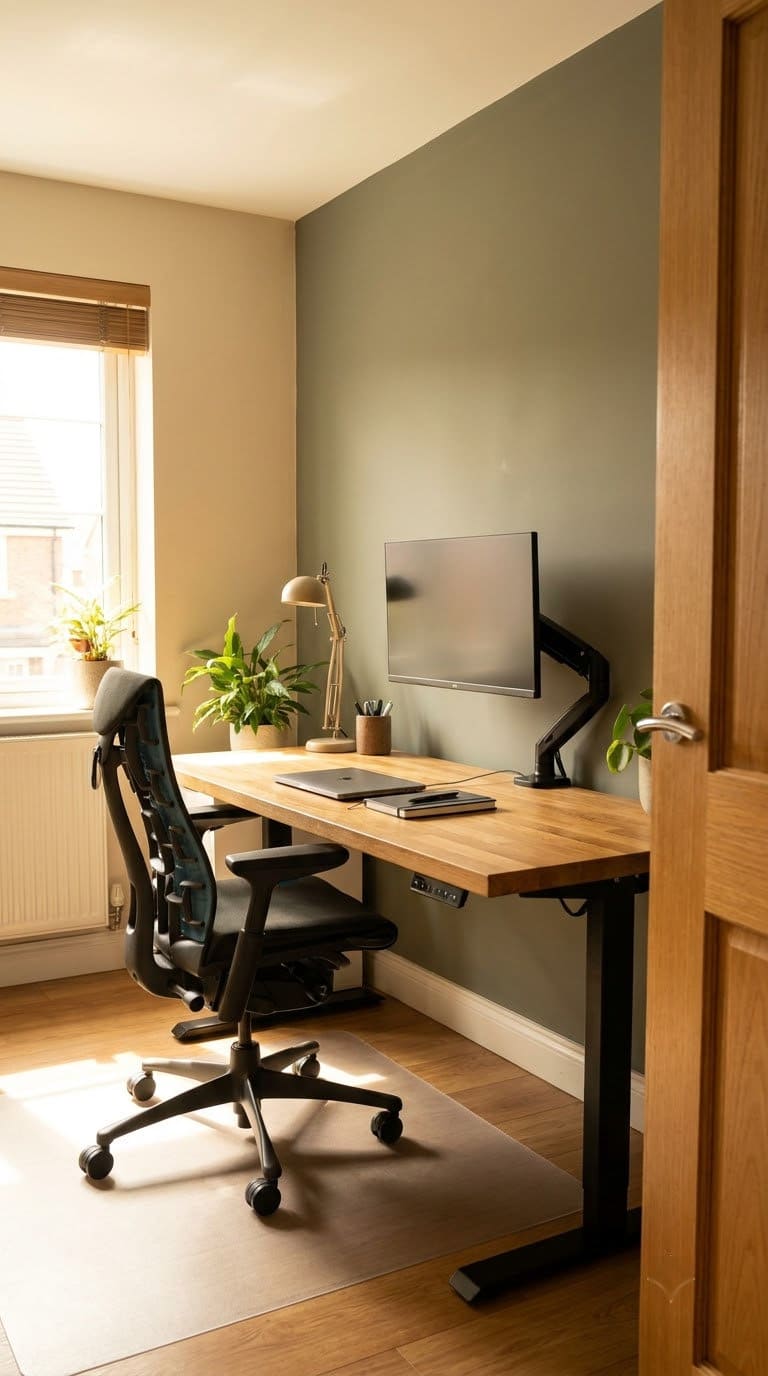
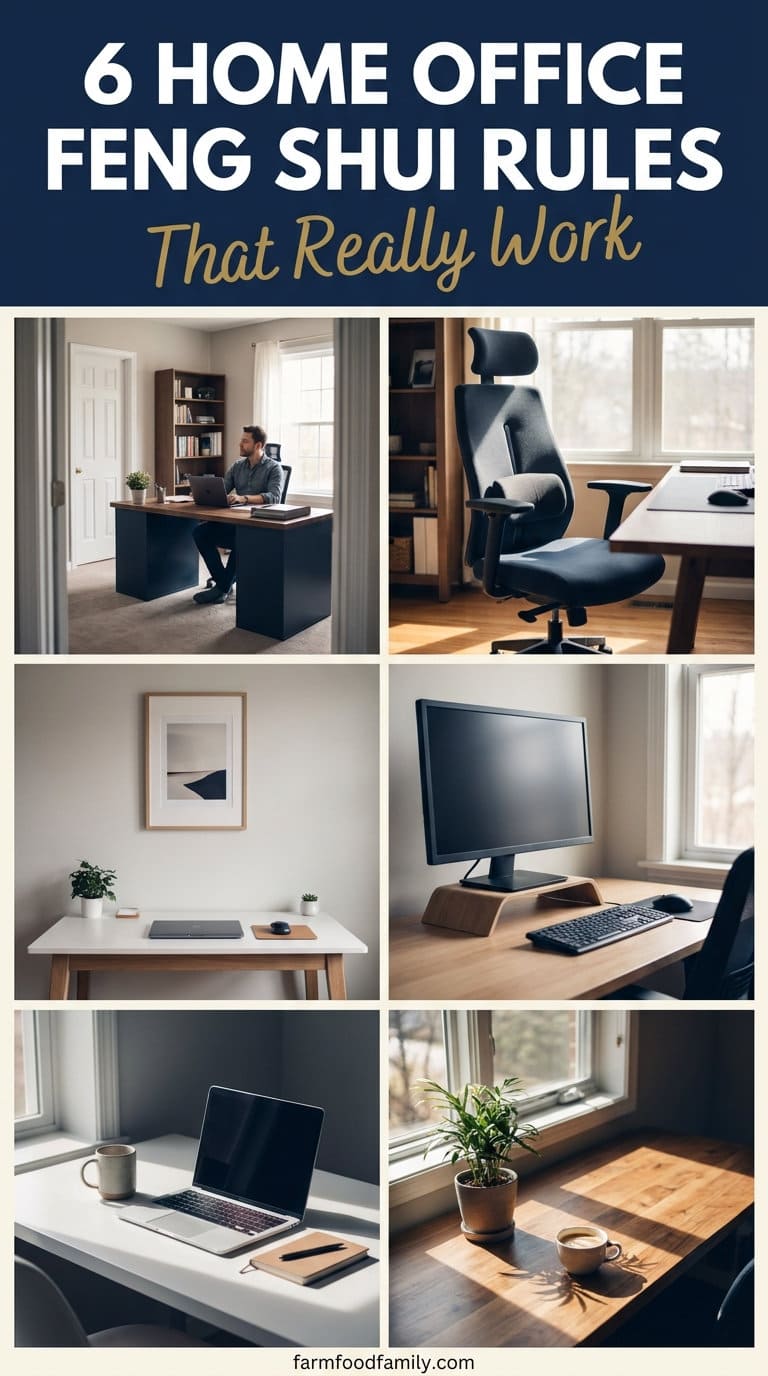
Your desk should let you see the room’s entrance without sitting directly in line with it, ideally diagonal from the door, with a solid wall behind your chair for support. If facing a wall is unavoidable, a small mirror angled to reflect the doorway solves the visibility concern without a full room rearrange.
Once you’ve settled on a desk position, OSHA’s computer workstation ergonomics guidance fills in the real measurable setup feng shui doesn’t specify: the monitor’s top edge should sit at or slightly below eye level, and viewing distance should run 20 to 40 inches, roughly an arm’s length.
Getting the “commanding position” right symbolically and getting the monitor distance right practically are two different fixes that both belong in the same setup pass. Our types of desks guide covers desk styles that make this positioning easier in different room shapes.


2. Choose a solid, high-backed chair, not a stool or bench
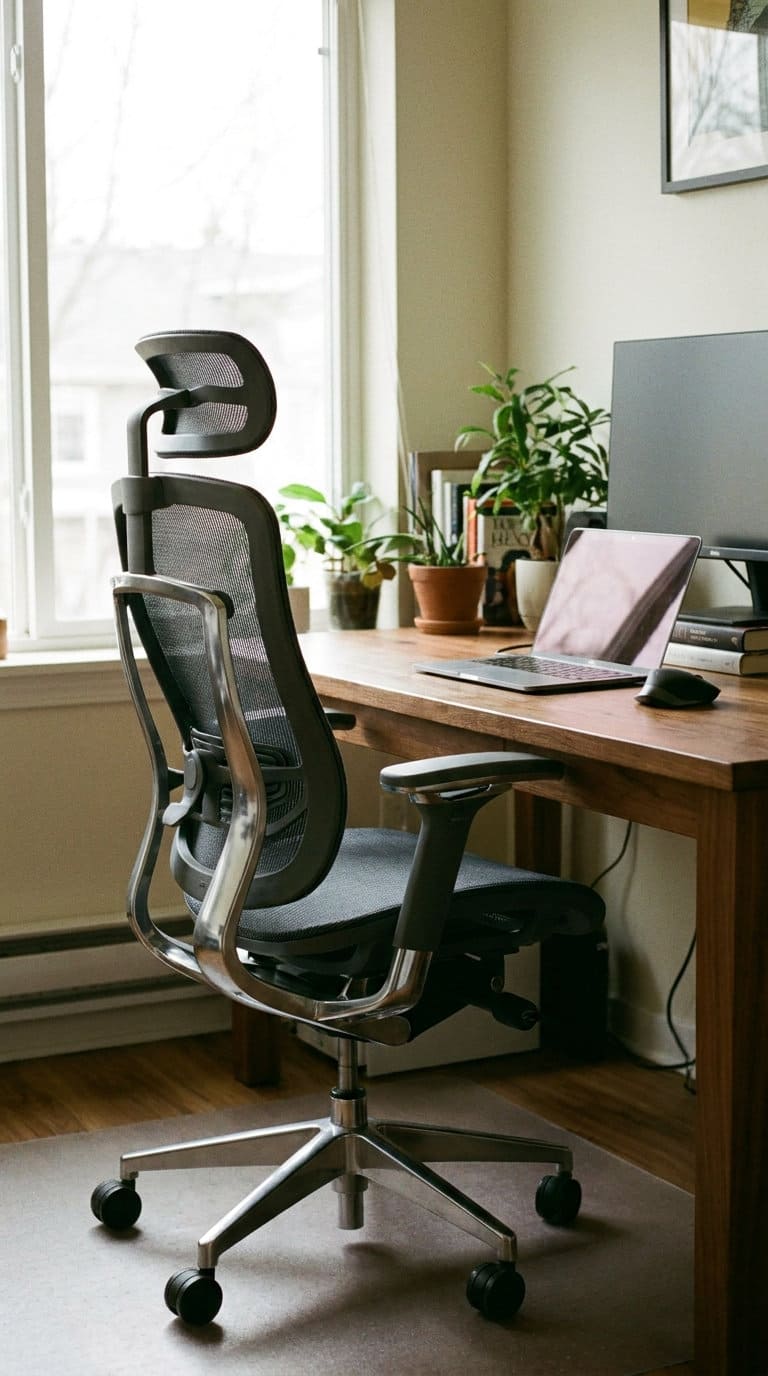
A proper chair with a solid back is considered to offer real support, both physically and symbolically, feng shui treats a chair as literally backing you up through your workday.
Stools, benches, and spindle-back chairs are discouraged because they’re thought to interrupt the smooth flow of qi around your seated position.
This happens to align with real ergonomic advice too, a chair with proper back support reduces the kind of slouching and lower-back strain that builds up over a full workday, regardless of what you believe about qi.
3. Keep the space above your head completely clear
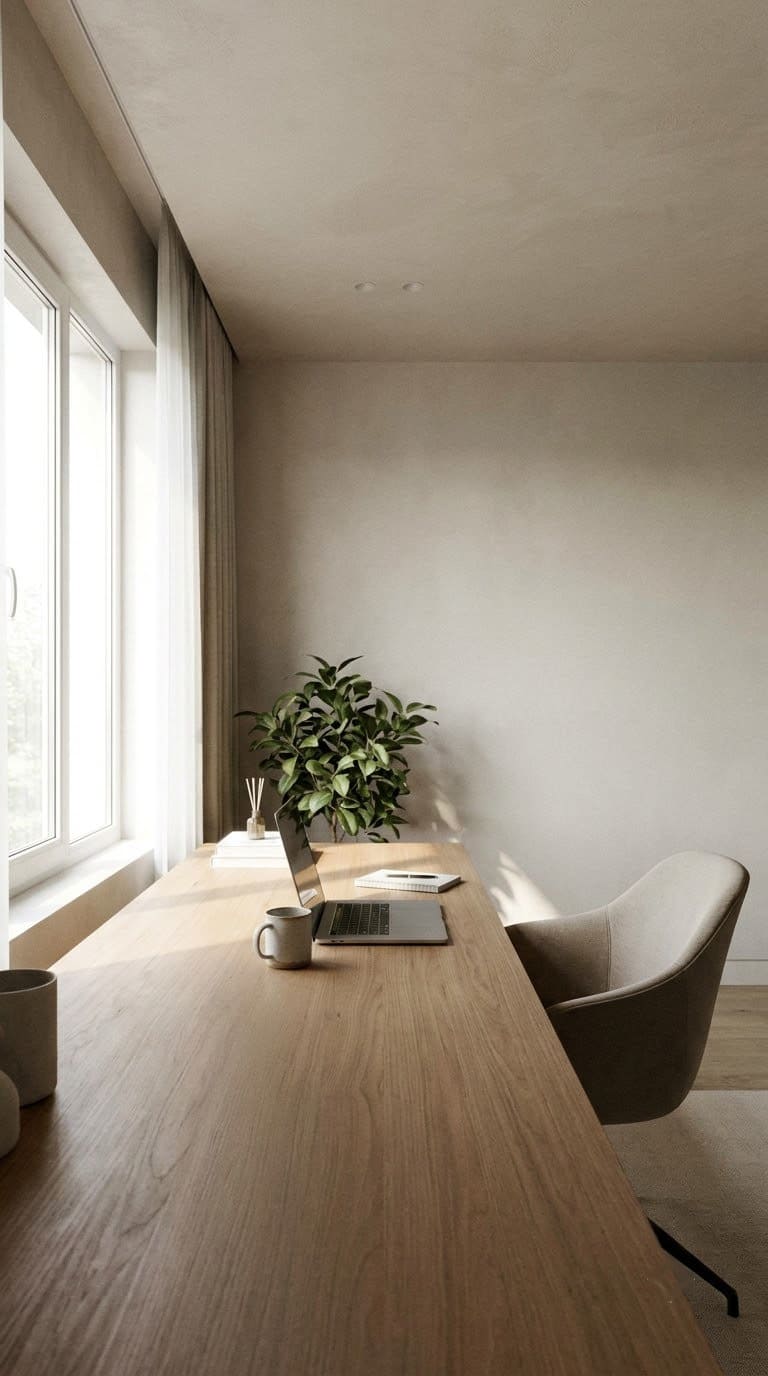
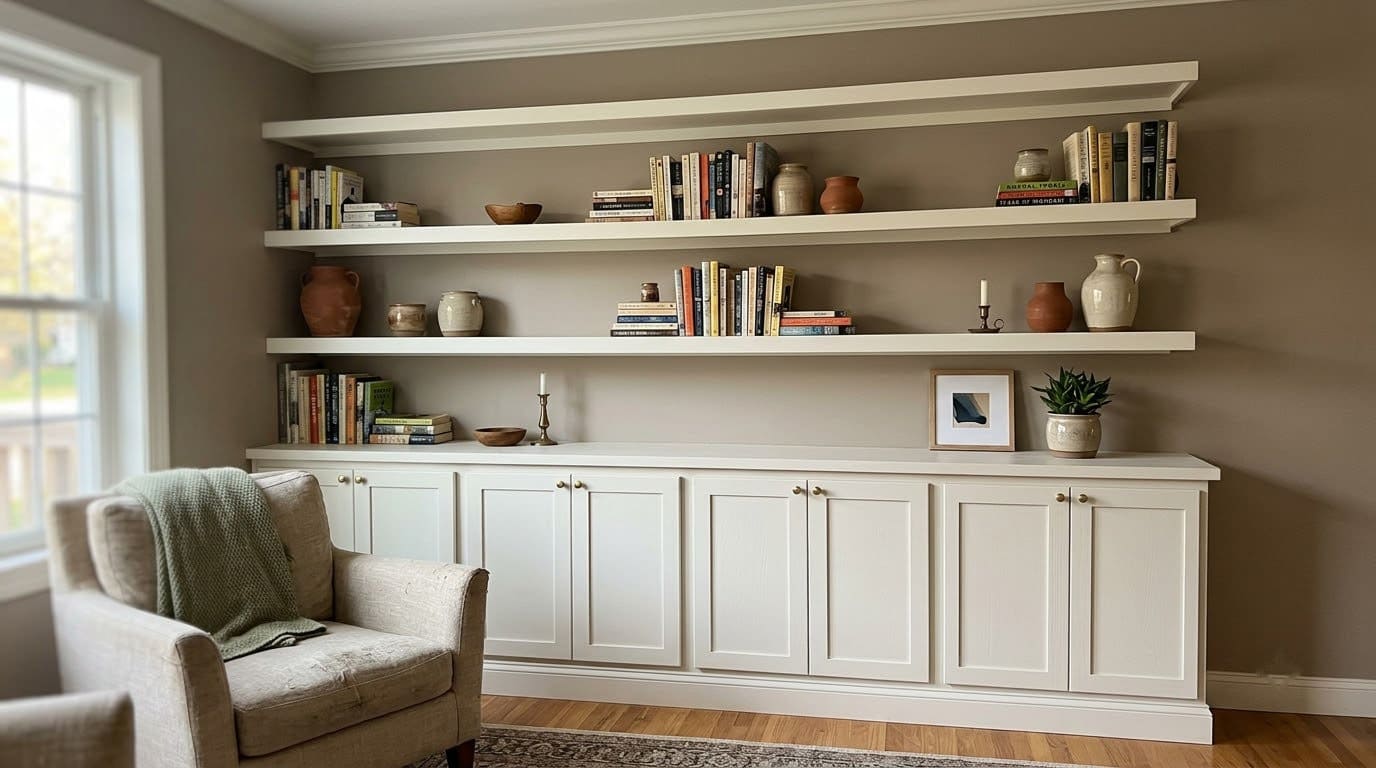
No shelves, cabinets, or hanging fixtures directly over the desk, and avoid positioning your desk under a ceiling beam if you can help it. Feng shui treats overhead objects as creating downward pressure on whoever sits beneath them, undermining focus and a sense of safety.
There’s a real practical safety reason to take this seriously too: overhead shelving directly above a desk is a genuine bump-and-fall hazard in a home office, especially in a small room where reaching for something above the desk is a daily habit, not an occasional one.
4. Is natural light really the fix for office fatigue, or is something else going on?
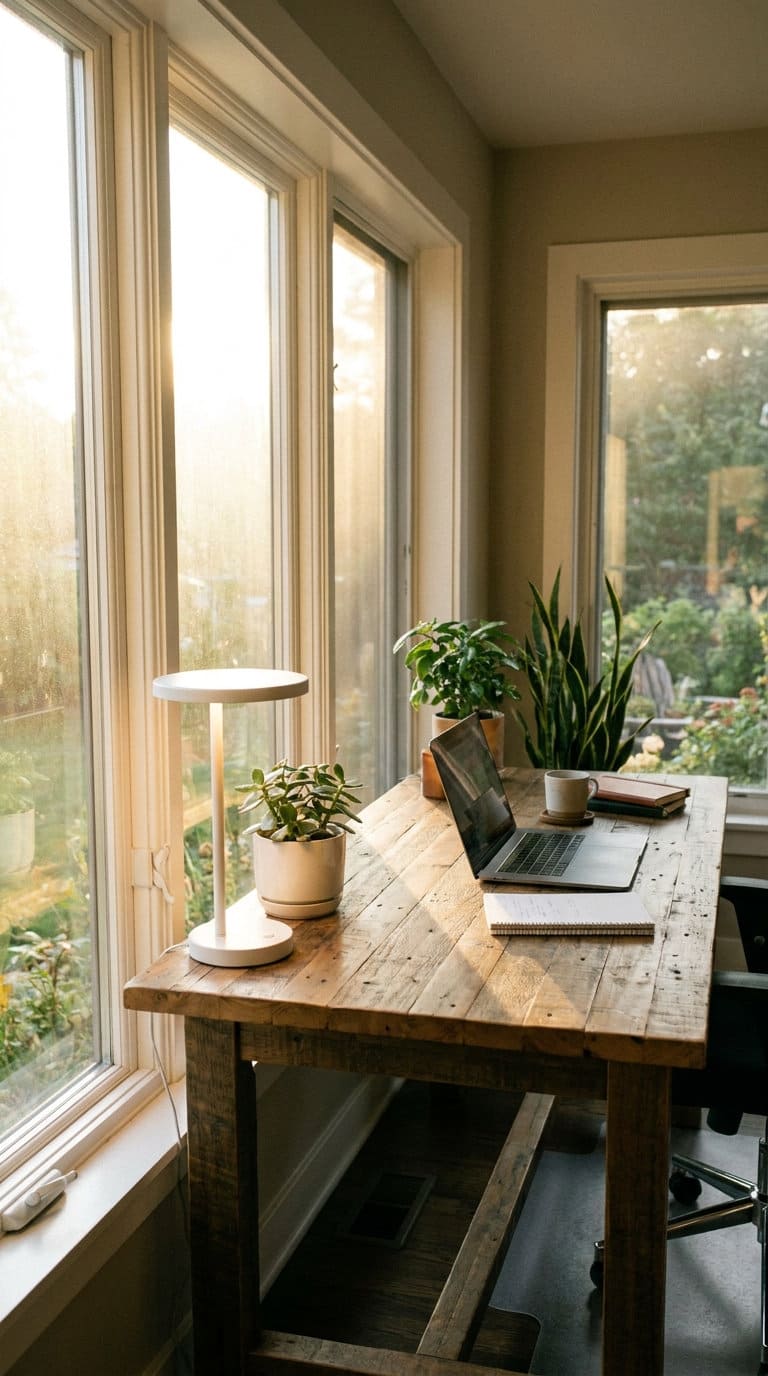
Natural light is favored heavily in feng shui office guidance, tied to alertness, mood, and even referenced connections to circadian rhythm and seasonal mood dips. A light therapy lamp is the recommended backup when a room’s natural light is limited, particularly in winter months.
What’s missing from that framing is the much more common cause of office fatigue: the American Optometric Association reports that 58% of adults have experienced digital eye strain from screen use, with symptoms including headaches, blurred vision, and neck/shoulder pain, the exact symptoms feng shui sources attribute mainly to bad shelf placement.
The AOA’s real, simple fix is the 20-20-20 rule: every 20 minutes, look at something 20 feet away for 20 seconds. Good lighting matters, but this habit addresses the more common root cause directly.
5. Keep the desktop genuinely minimal, not just tidy
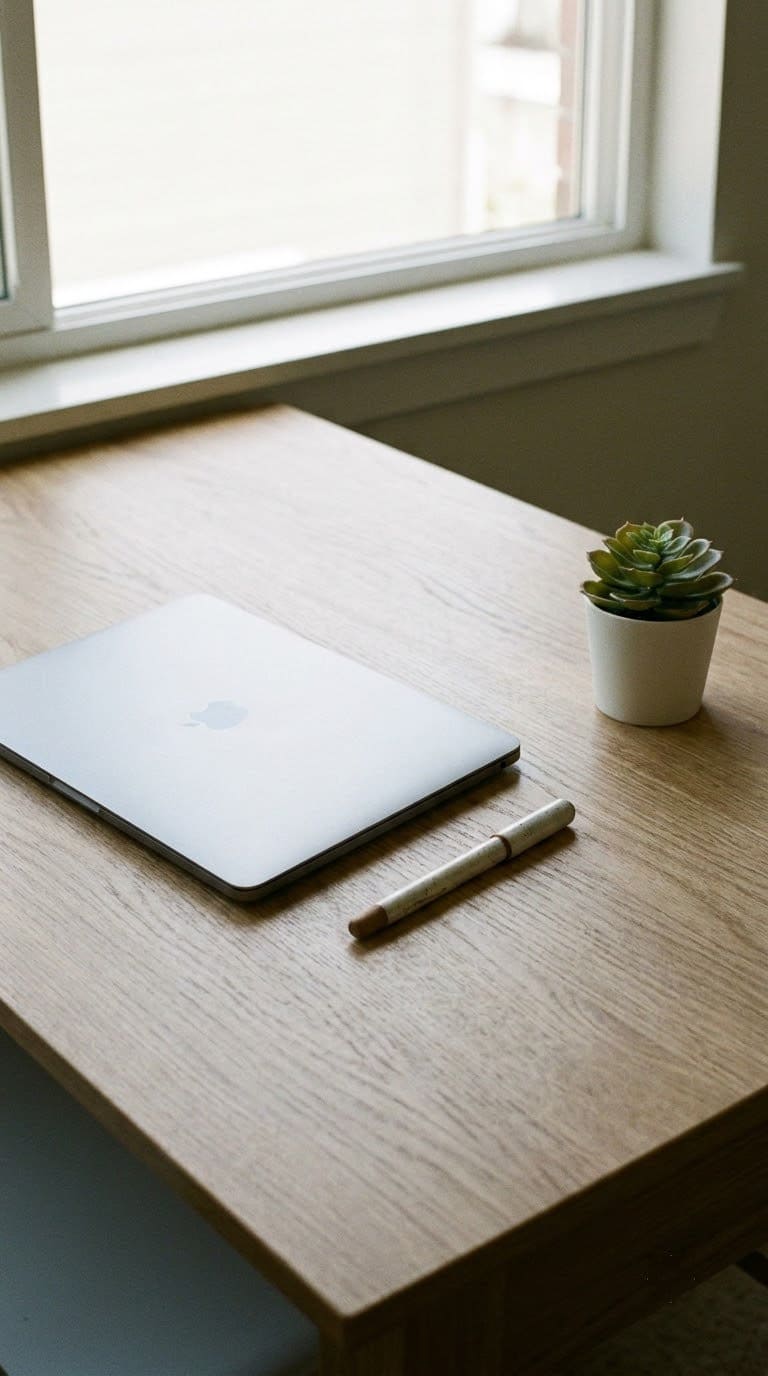
A cluttered desk, old project papers, unused supplies, is treated as blocking the flow of new opportunity into your workspace.
The practical guideline several sources converge on: keep no more than three categories of item visible at once, your primary tool (laptop or monitor), one writing implement, and one grounding object like a plant or a small tray, rather than a desk covered in miscellaneous items.
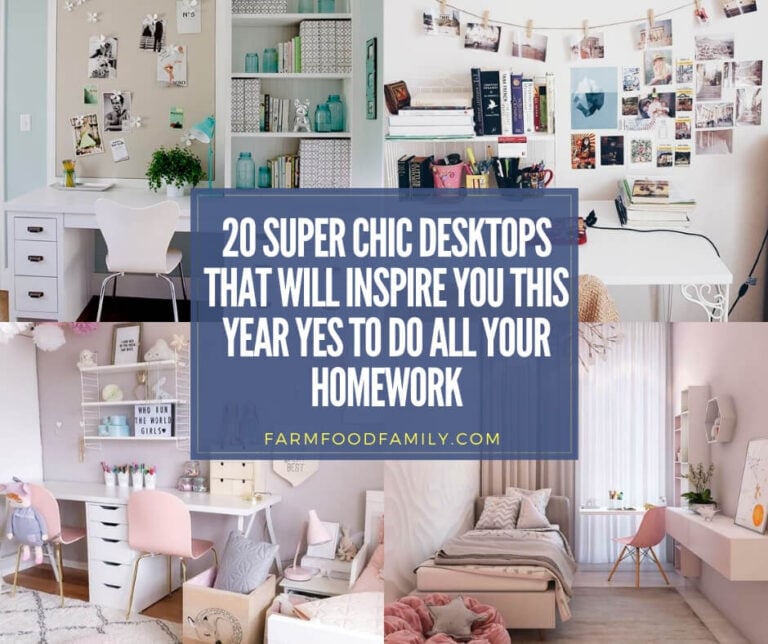
Our best DIY desk ideas and chic desktop ideas guides have real examples of this minimal setup done well.
6. Choose imagery and decor that suggests growth, not stagnation
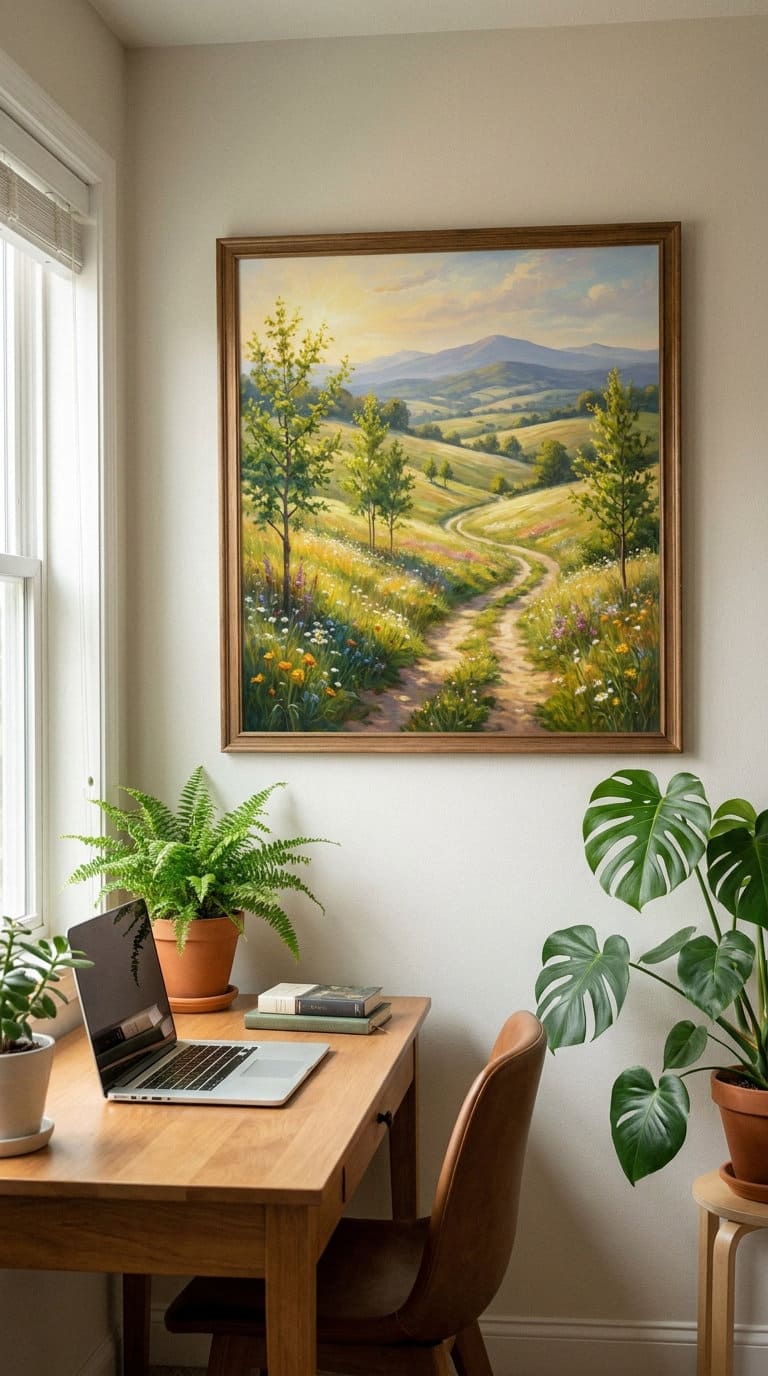
Wall art and personal photos in direct line of sight are worth choosing deliberately: imagery suggesting movement, growth, or achievement (open landscapes, a personal accomplishment, plants) is favored, while stagnant or melancholy imagery, still water, tied-up boats, ruins, an isolated solo figure, is discouraged as subtly reinforcing the wrong mindset during work hours.
Minimizing family photos directly in your sightline (rather than removing them entirely) is a related suggestion, meant to reduce a specific kind of visual distraction during focused work rather than eliminate personal connection from the room.
The 6 rules at a glance
| Rule | Real-world backing | Fastest fix |
|---|---|---|
| Commanding position | OSHA: monitor top at eye level, 20-40″ viewing distance | Diagonal from the door, mirror if facing a wall |
| Solid, high-backed chair | Reduces slouching and lower-back strain | Swap a stool/bench for a proper chair |
| Clear overhead space | Real bump-and-fall hazard | No shelves or beams directly above the desk |
| Natural light + eye strain | AOA: 58% of adults report digital eye strain | 20-20-20 rule: every 20 min, look 20 feet away for 20 sec |
| Minimal desktop | Reduces visual clutter blocking focus | Max 3 visible categories of item |
| Growth-oriented imagery | Subtle mindset reinforcement | Swap stagnant imagery for movement/growth themes |
What we learned the hard way
The eye-strain habit is the one people skip because it feels too simple to matter, compared to a full desk rearrange.
Getting the commanding position and a nice chair right, then ignoring screen distance and break timing entirely, still leaves the single most common cause of office fatigue unaddressed.
The overhead-shelf mistake is the other one people don’t think about until it’s already a daily annoyance, or a real bump on the head.
A small home office often tempts adding a shelf directly above the desk purely for space reasons, exactly the placement both feng shui and basic ergonomic sense recommend against.
FAQs
My desk has to face a wall in my room’s layout. What can I do? A small mirror angled to reflect the room’s entrance from your seated position solves the visibility concern without needing to reposition the desk itself.
Is a light therapy lamp actually necessary if my office doesn’t get much natural light? It’s a reasonable addition, especially during winter months, but don’t treat it as a substitute for the 20-20-20 rule, low light and digital eye strain are two separate issues with two separate fixes.
Do I need to remove all personal photos from my office? No, just consider keeping them out of your direct line of sight while working, on a side shelf rather than propped against the monitor, for example, rather than removing them from the room entirely.
What’s the single most important rule if I can only fix one thing? The monitor distance and height check (rule #1’s real OSHA guidance), it’s a five-minute adjustment with the most immediate, noticeable effect on daily comfort.
Related reading on farmfoodfamily.com: for full room design inspiration once these fundamentals are in place, see our small home office ideas and custom home office ideas.
Related Posts
- Types of Desks
- Best DIY Desk Ideas
- Chic Desktop Ideas
- Small Home Office Ideas
- Custom Home Office Ideas
- Home Office Furniture for Small Spaces
Never miss an update — choose FarmFoodFamily as your preferred source on Google.
How it works: Tap the button below to open Google's settings page, then check the box next to FarmFoodFamily.
Tap the checkbox to turn it blue — that's how you know it's set.